
January 20, 2026
The 12 Best Knowledge Base Software Platforms for 2026

Discover the best knowledge base software for your team. An in-depth review of 12 top platforms with features, pricing, and use cases to help you choose wisely.
In a world of information overload, getting the right answers to the right people, instantly, is no longer a luxury; it's the bedrock of efficient operations and stellar customer support. Tribal knowledge, messy shared drives, and outdated wikis create friction, slow down your team, and frustrate customers. The solution is a purpose-built knowledge base, a centralized hub that transforms scattered information into a powerful, accessible asset.
But with countless options available, finding the best knowledge base software for your specific needs is a significant challenge. Some platforms excel at public-facing customer self-service, others are built for complex internal standard operating procedures (SOPs), and a new wave leverages AI to automate content creation. This guide cuts through the noise to provide clarity.
We will dive deep into the 12 top options for 2026, analyzing their unique strengths, hidden limitations, and ideal use cases. Each review includes screenshots and direct links to help your evaluation. To truly unlock the power of a knowledge base, understanding the practical steps involved in its creation is essential. For a detailed guide on the foundational aspects, you can learn about how to build a knowledge base effectively.
Whether you're an agency delivering SOPs, a support lead aiming for faster resolutions, or an operations manager standardizing onboarding, this is your definitive resource. We've done the heavy lifting to help you find the perfect tool to capture, organize, and scale your organization's expertise without the guesswork. Let's get started.
1. Build a Guide
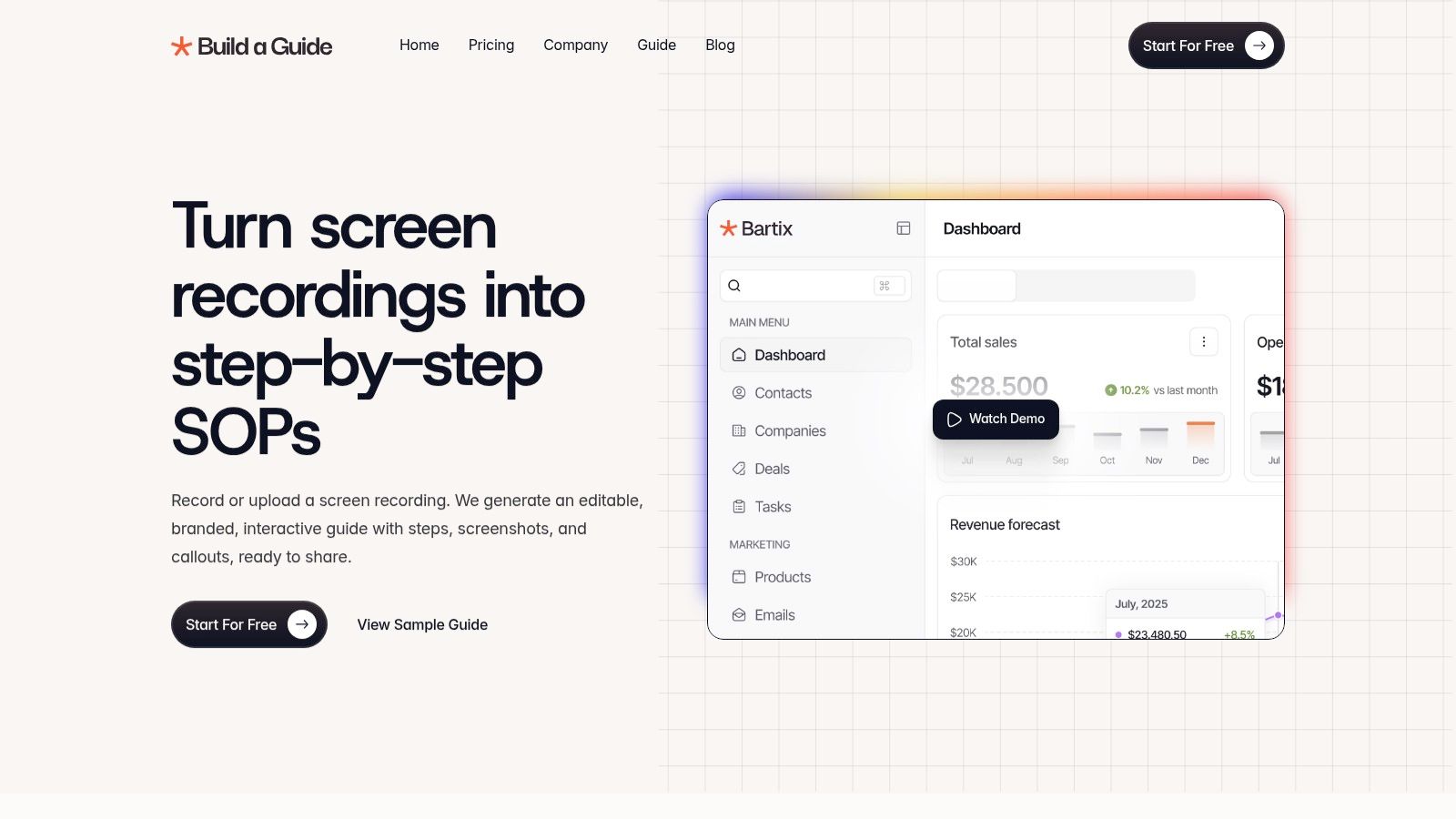
Build a Guide offers a powerful and unique approach to knowledge management, positioning itself as some of the best knowledge base software for teams that rely on process-driven workflows. Instead of starting with a blank text editor, its platform transforms screen recordings into structured, step-by-step guides complete with annotated screenshots. This video-first methodology dramatically accelerates the creation of Standard Operating Procedures (SOPs), customer-facing tutorials, and internal training materials.
The platform's proprietary AI is the core of its value. It analyzes a video, automatically identifying actions, capturing relevant screenshots, and generating clear, sequential instructions. This initial draft can then be refined in a rich-text editor, allowing teams to add notes, checklists, and brand-specific language, ensuring the final output is both polished and precise.
Why It's Our Top Choice
Build a Guide excels by providing an end-to-end solution specifically engineered for creating actionable, visual documentation. It closes the gap between simply recording a process and producing a professional, shareable knowledge asset. The platform is particularly effective for agencies managing multiple clients, customer success teams needing to scale onboarding, and operations managers tasked with standardizing internal processes.
"We went from ‘tribal knowledge’ to a real SOP library in a weekend." - Stefan Persson, Operations Lead
Real-time collaboration features, such as co-editing and contextual comments, allow teams to build and maintain their knowledge base collectively. Once finalized, guides can be published to branded hubs or a custom domain, creating a centralized, professional resource for employees or customers. The built-in analytics provide crucial insights into how guides are being used, tracking views, completions, and user engagement to help you continuously improve your documentation.
Best For: Agencies, customer success teams, and operations managers standardizing complex workflows.
Feature Highlights | Details |
|---|---|
AI-Powered SOP Generation | Automatically converts screen recordings into step-by-step guides with screenshots. |
Publishing Options | Share guides on branded hubs, custom domains, or via direct links. |
Collaboration Tools | Supports real-time co-editing and contextual commenting for team-based documentation. |
Multi-Hub Management | Ideal for agencies or departments managing separate knowledge bases for different clients or teams. |
Engagement Analytics | Tracks views, completions, and interaction hotspots to measure guide effectiveness. |
Pricing: Build a Guide offers a free starting plan. Detailed pricing for advanced features and higher-tier plans is available on their website.
Final Takeaway: While the AI-generated guides often require a human touch for perfection, the platform’s ability to turn complex video processes into structured, editable knowledge is a game-changer. It replaces convoluted documentation efforts with a streamlined, scalable, and highly effective system.
2. Zendesk
Best for Integrated Customer Support Ecosystems
Zendesk is a customer service titan, and its knowledge base, known as Zendesk Guide, is a core component of its powerful Suite. It’s not a standalone product; instead, it's deeply woven into a comprehensive ticketing, chat, and analytics platform. This makes it the ideal choice for businesses that need their self-service content to work hand-in-hand with their human support agents.
The key advantage here is ticket deflection. Zendesk’s AI can suggest relevant articles from your knowledge base to customers before they even submit a ticket, reducing agent workload. Agents can also easily link articles directly within ticket responses, ensuring consistent and accurate answers. For organizations managing multiple products or brands, Zendesk's multibrand capabilities allow you to create distinct, themed help centers from a single account, each with its own content and analytics. This is a game-changer for maintaining brand identity while centralizing operations.
Key Considerations
Pricing: Zendesk Guide is included in Zendesk Suite plans, which start at $55 per agent/month (billed annually). It is not available as a standalone purchase.
Best Use Case: Support-driven organizations where the knowledge base's primary function is to reduce ticket volume and empower customer service agents.
Limitation: The per-agent pricing model can become expensive as your support team scales. If you don't need the full customer service suite, Zendesk is likely overkill.
To get the most out of a platform like this, it's crucial to follow established protocols. Learn more about the best practices for knowledge management to ensure your content is effective and discoverable.
Website: https://www.zendesk.com
3. Intercom
Best for Proactive, In-App Conversational Support
Intercom excels at integrating a knowledge base directly into the user journey through its in-product Messenger. Rather than a traditional, separate help portal, Intercom’s Articles are designed to be delivered proactively within an application or website. This approach positions it as one of the best knowledge base software choices for companies prioritizing real-time, conversational support and user engagement. The goal is to answer questions at the moment they arise, directly within the product context.
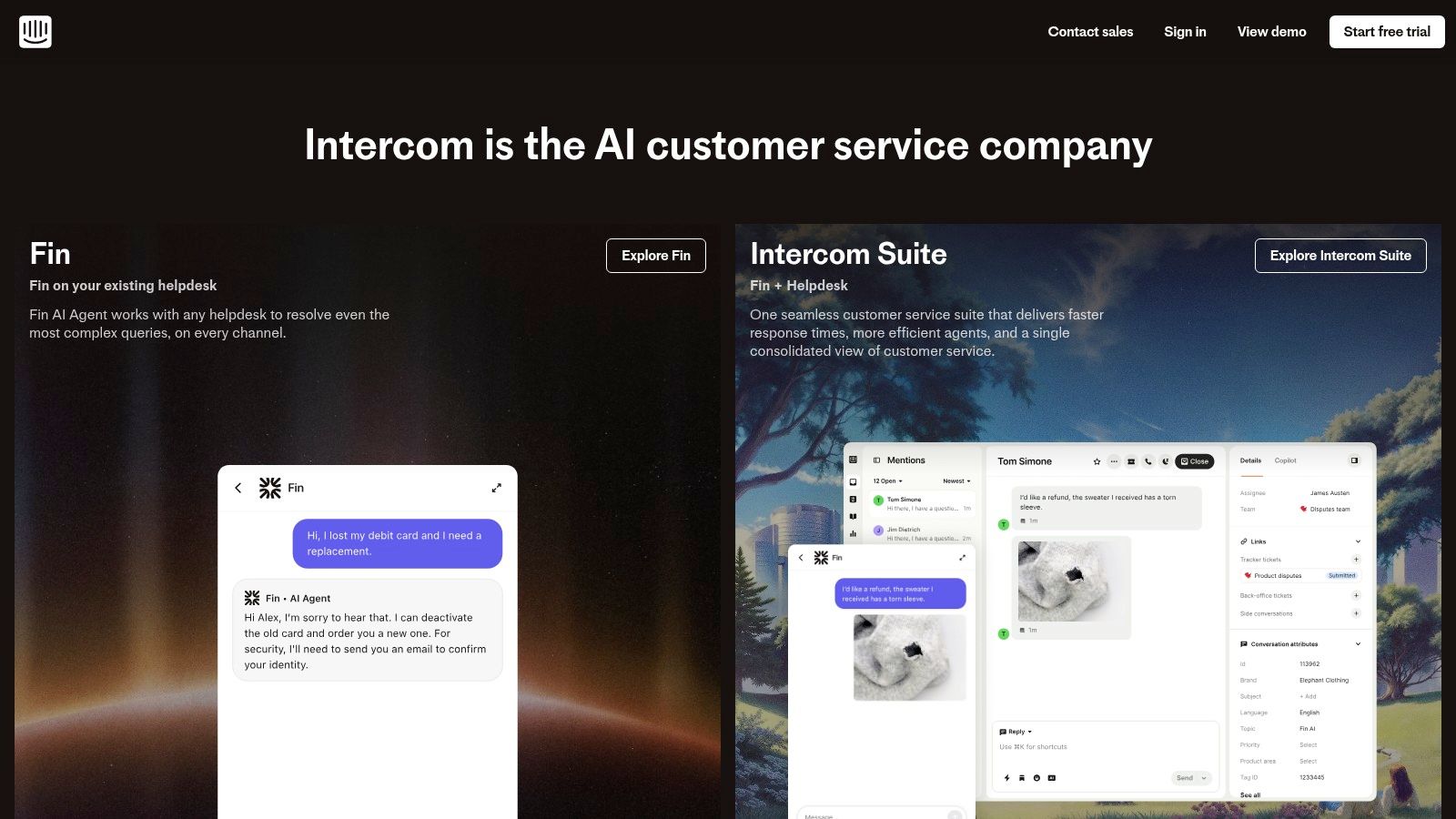
The platform’s strength lies in its powerful automation and AI capabilities, embodied by its Fin AI Agent. Fin can autonomously resolve customer conversations by drawing from your knowledge base content, providing instant answers and freeing up human agents for more complex issues. This tight coupling between the Help Center, Messenger, and AI creates a seamless experience where self-service flows naturally into agent-assisted support when needed. It's an ideal solution for SaaS and product teams focused on providing a smooth in-app support experience.
Key Considerations
Pricing: Intercom’s pricing is modular. The "Support" plan starts at $39 per seat/month, but the Fin AI Agent is a usage-based add-on, billed per resolved conversation.
Best Use Case: Product-led companies that want to provide contextual, in-app self-service and leverage AI for high-volume conversational support.
Limitation: The cost structure can become complex and expensive, particularly for businesses with high conversation volumes, as key AI features incur usage-based fees on top of the seat price.
Building a proactive support model like Intercom's requires a deep understanding of the user journey. Map out common friction points to determine where and when to surface relevant knowledge base articles for maximum impact.
Website: https://www.intercom.com
4. Help Scout
Best for Customer-Centric Small and Mid-Sized Businesses
Help Scout offers an elegantly simple approach to customer support, with its knowledge base, Docs, at the heart of its platform. It's designed for teams that prioritize a clean user experience and straightforward content creation without a steep learning curve. This makes it one of the best knowledge base software choices for SMBs that want to provide excellent self-service support without the complexity of an enterprise-level system.
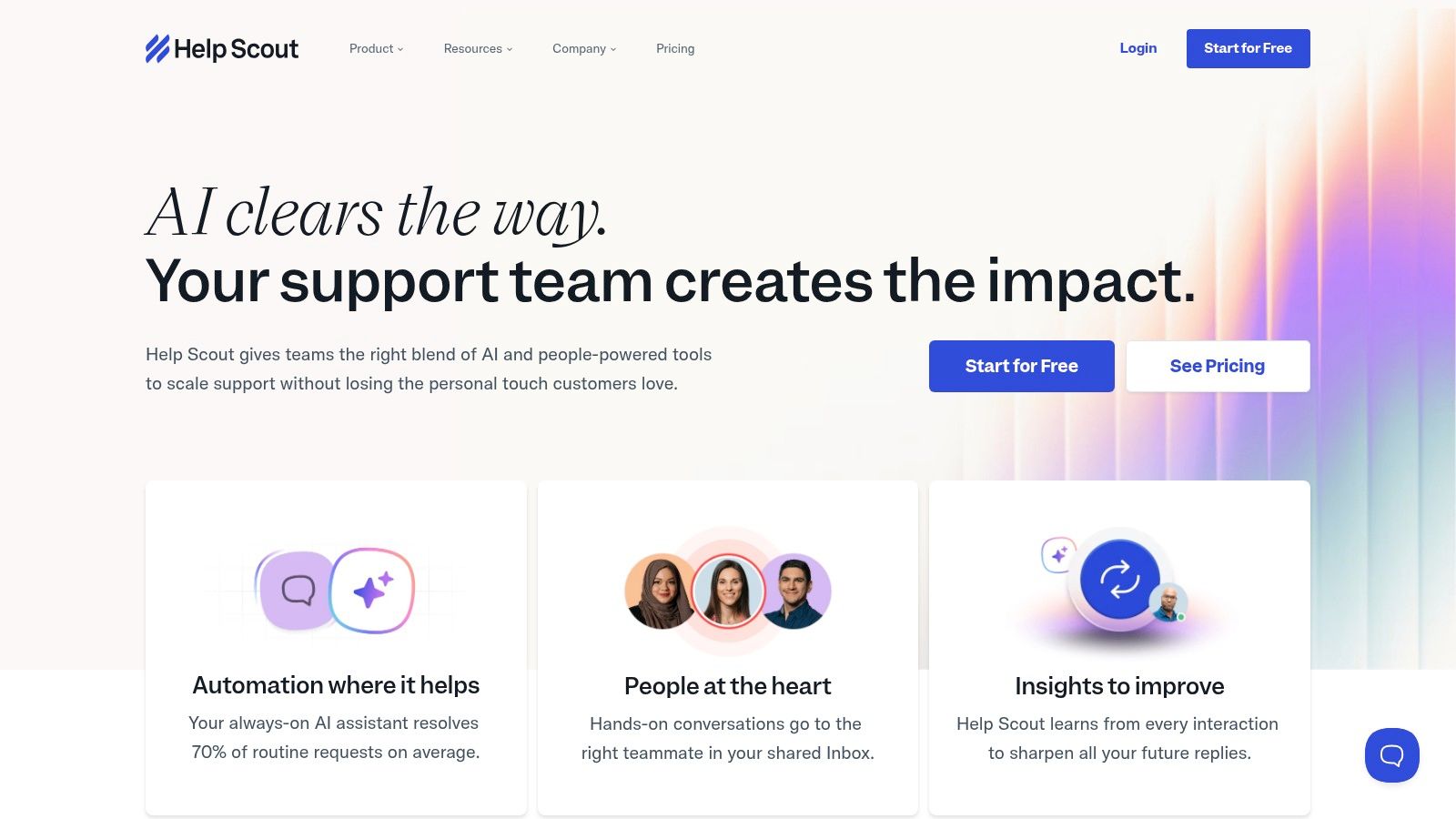
The standout feature is Beacon, an embeddable widget that brings your help content directly into your website or app. It allows users to search the knowledge base without leaving the page, providing instant answers and reducing friction. Help Scout also focuses on performance, offering Docs reporting that tracks views, failed searches, and user satisfaction ratings on articles. This data is invaluable for identifying content gaps and improving your help center's effectiveness.
Key Considerations
Pricing: Docs is included in all plans, which start at $25 per user/month (billed monthly). Advanced features like AI Answers and proactive Messages are available as add-ons with variable pricing.
Best Use Case: Small to mid-sized support teams that need a user-friendly, integrated knowledge base and help desk to improve customer experience and efficiency.
Limitation: While powerful for its target audience, its feature set is less extensive than enterprise platforms. The add-on pricing for AI and proactive messaging can also increase the total cost.
Creating effective articles requires understanding your audience. Discover the key differences when writing for internal teams versus external customers by learning more about internal vs. customer-facing SOPs.
Website: https://www.helpscout.com
5. Freshdesk (Freshworks)
Best for Omnichannel and Multilingual Support
Freshdesk, part of the Freshworks ecosystem, offers a powerful knowledge base tightly integrated into its broader customer support platform. It excels in delivering self-service content across multiple channels, from a traditional help center to chatbots, email, and social media messengers like WhatsApp. This omnichannel approach ensures customers can find answers wherever they are, making it an excellent choice for globally-focused, customer-centric businesses.
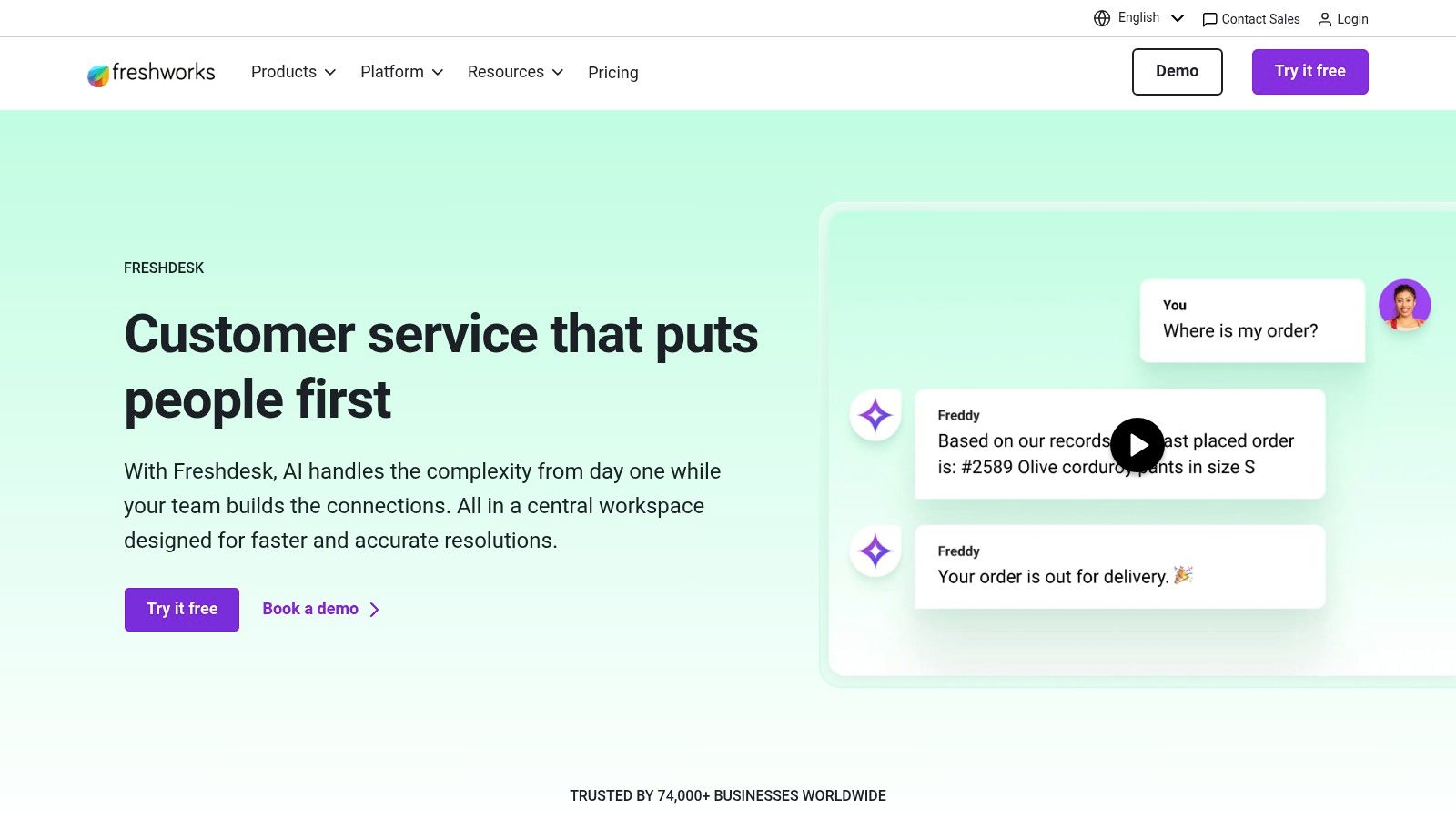
The platform’s strength lies in its content delivery and localization. On higher-tier plans, you can build a multilingual knowledge base to serve a global audience, automatically showing visitors articles in their preferred language. Agents can leverage the knowledge base directly within the ticketing system to provide fast, standardized responses. Freshdesk’s AI-powered bots can also proactively suggest articles in chat sessions, deflecting common queries before they reach a human agent and cementing its position as one of the best knowledge base software options for support teams.
Key Considerations
Pricing: Freshdesk offers a free plan with basic KB features. Paid plans start at $15 per agent/month (billed annually), with advanced features like multilingual support and article versioning reserved for higher tiers.
Best Use Case: Support teams that need to deliver knowledge base articles across various communication channels and serve a diverse, international customer base.
Limitation: Many of the most powerful KB features, such as approval workflows and multilingual capabilities, are gated behind more expensive plans, which may not be suitable for small teams or those with simple needs.
The ability to surface content across multiple touchpoints is a significant advantage. This strategy ensures your support documentation is not just a static library but an active tool in your customer service workflow.
Website: https://freshdesk.com
6. Document360
Best for Dedicated, Feature-Rich Documentation
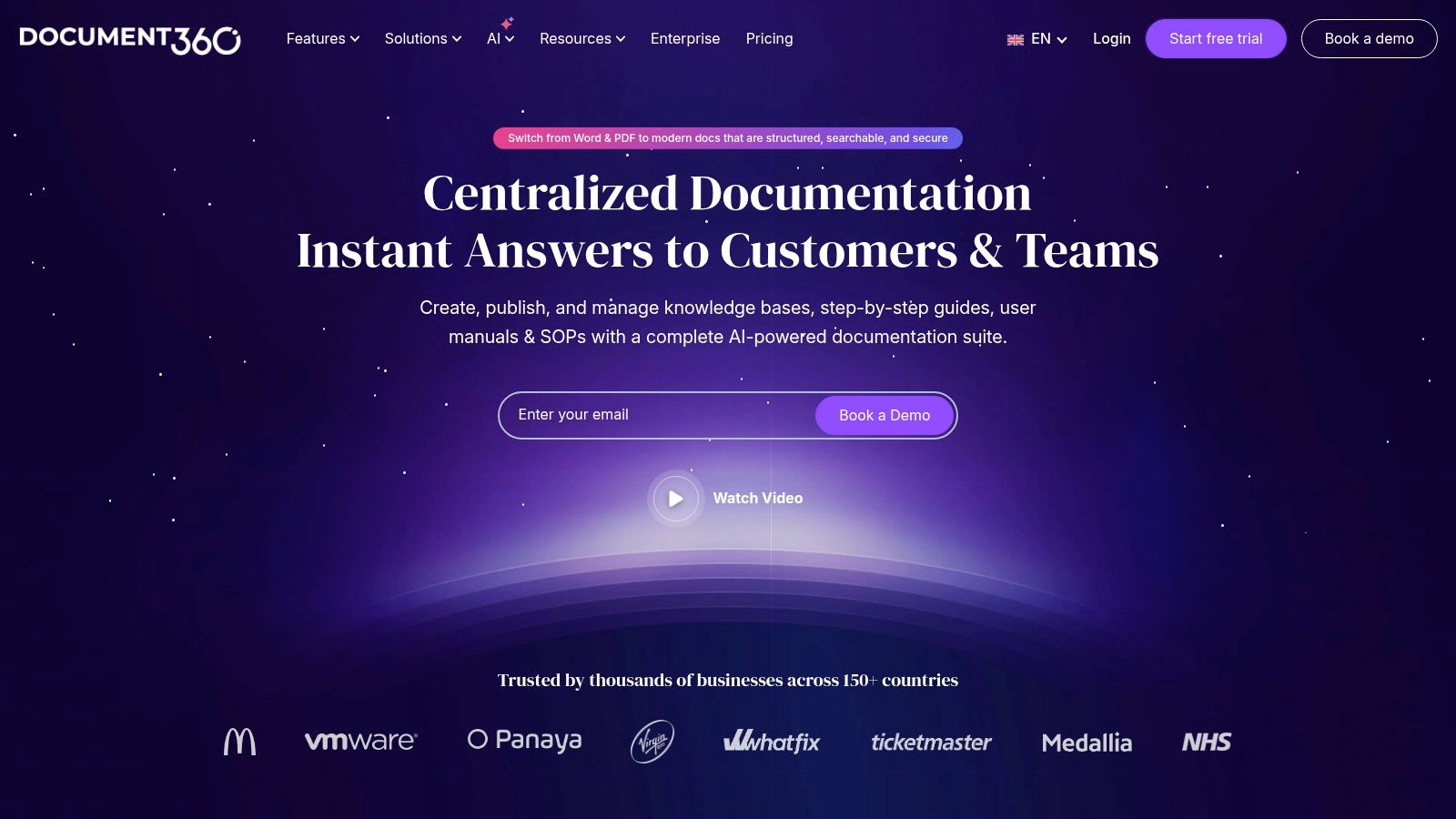
Document360 is a stand-alone knowledge base platform designed from the ground up for one purpose: creating excellent documentation. Unlike integrated suites, its sole focus is on providing a powerful authoring, versioning, and management environment. This makes it a top choice for organizations that need a dedicated, no-compromise solution for either customer-facing help docs or internal wikis, without the overhead of a full customer service platform.
The platform excels in its content management capabilities. Advanced version control allows you to manage multiple versions of an article, review its history, and roll back changes-a critical feature for regulated industries or products with frequent updates. Furthermore, its AI assistant, Eddy AI, enhances productivity by helping authors generate, summarize, and even translate content. For teams serving a global audience, the robust multilingual support and localization features ensure you can deliver consistent help across different regions.
Key Considerations
Pricing: Plans start at $149 per project/month (billed annually), which includes 3 team accounts. Higher tiers unlock more advanced features and security options, but many enterprise plans are quote-based.
Best Use Case: Product teams creating in-depth user guides, or operations and HR departments building comprehensive internal knowledge bases where versioning and security are priorities.
Limitation: As a dedicated tool, it lacks a built-in ticketing or live chat system. While it integrates with many support tools, businesses seeking an all-in-one solution may find it requires extra setup.
Building a world-class documentation hub means focusing on more than just the tool. A well-defined content strategy is essential for ensuring your articles are clear, helpful, and easily maintained over time.
Website: https://document360.com
7. Guru
Best for In-Workflow Knowledge and Sales Enablement
Guru is an internal knowledge management platform designed to deliver verified information directly into your team's existing workflows. Instead of making employees hunt for answers in a separate portal, Guru brings the knowledge to them via powerful integrations with Slack, Microsoft Teams, and a browser extension. This makes it an exceptional choice for fast-moving sales and support teams who need instant access to accurate product information, competitive intel, and standard operating procedures.
A core differentiator for Guru is its emphasis on knowledge verification and trust. Every piece of content, or "Card," has an owner and a verification schedule, ensuring information never becomes stale or outdated. Its AI-powered enterprise search can also surface answers from across your company's apps, not just from within Guru itself. This creates a single source of truth that your revenue and support teams can rely on, directly within the tools they use every day like Salesforce or Zendesk.
Key Considerations
Pricing: Guru's plans start at $5 per user/month (billed annually). More advanced features like AI Enterprise Search and knowledge triggers are available in higher-tier plans.
Best Use Case: Sales and customer support teams that require immediate, verified answers within their CRM, chat, or help desk to close deals and resolve issues faster.
Limitation: The per-user pricing can add up for large organizations, and its primary focus on internal, in-workflow delivery makes it less suited for creating traditional, public-facing help centers.
By integrating verified knowledge directly into communication platforms like Slack, Guru significantly reduces context switching and empowers teams to find answers without interrupting their flow.
Website: https://www.getguru.com
8. Helpjuice
Best for High-Touch Design Customization
Helpjuice is a powerful, standalone knowledge base platform that excels at creating beautifully branded, highly searchable documentation for both internal and external audiences. It has carved out a unique space in the market by offering concierge-level customization services. Instead of just giving you tools, their team can help design and implement a knowledge base that perfectly matches your company’s brand identity, a service rarely found with other providers.
The platform is built for ease of use and powerful content management, featuring live collaboration tools that allow multiple authors to edit documents simultaneously, similar to Google Docs. Its analytics suite provides deep insights into what users are searching for, where they are failing to find answers, and which articles are performing best. This focus on search effectiveness and authoring experience makes it a mature and reliable choice for companies that view their knowledge base as a critical asset, not just a support add-on. For those looking for the best knowledge base software that combines robust features with expert design assistance, Helpjuice is a compelling option.
Key Considerations
Pricing: Plans are tiered by user count, starting at $120 per month for up to 4 users. Higher-tier plans unlock more users, storage, and advanced features like AI translation.
Best Use Case: Businesses that require a fully customized, brand-aligned knowledge base without dedicating their own development resources to build it.
Limitation: The entry-level price point is higher than many competitors, and key features like the AI suite are reserved for more expensive plans.
A key to a successful knowledge base is its structure. Organizing your content logically from the start will make it easier for users to find what they need and for your team to maintain it over time.
Website: https://helpjuice.com
9. Atlassian Confluence
Best for Internal Company-Wide Knowledge Management
Atlassian Confluence is less a dedicated help center tool and more a collaborative team workspace that excels as an internal knowledge base. It’s the digital filing cabinet and wiki for countless development, IT, and project management teams, prized for its deep integration with the rest of the Atlassian ecosystem, especially Jira. This connection allows teams to link project documentation, meeting notes, and technical specs directly to active development tickets, creating a single source of truth that moves with the project lifecycle.
The power of Confluence lies in its structure of "Spaces" and "Pages." You can create a dedicated Space for each department (e.g., HR, Engineering, Marketing), each with its own permissions and hierarchy of pages. This granular control, combined with powerful templates for everything from project plans to employee handbooks, makes it an incredibly versatile platform for organizing internal information. While it can be configured for external use, its native environment is built for internal collaboration, making it some of the best knowledge base software for centralizing company intelligence.
Key Considerations
Pricing: Confluence offers a Free plan for up to 10 users. Paid Cloud plans start at $6.05 per user/month. Data Center (self-managed) pricing is quoted for enterprise teams.
Best Use Case: Organizations, particularly those already using Jira, that need a robust, scalable internal wiki for company-wide documentation, project management, and team collaboration.
Limitation: Creating a polished, public-facing help center often requires additional apps from the marketplace or significant theming, as its default design is geared toward internal team use.
Website: https://www.atlassian.com/software/confluence
10. Notion
Best for Flexible All-in-One Internal Workspaces
Notion has transcended its origins as a note-taking app to become a powerful, all-in-one workspace that excels at creating internal knowledge bases. Its strength lies in its incredible flexibility; it combines documents, wikis, and project management into a single, interconnected system of pages and databases. This makes it an outstanding choice for teams that want their documentation to live alongside their daily work, rather than in a separate silo.
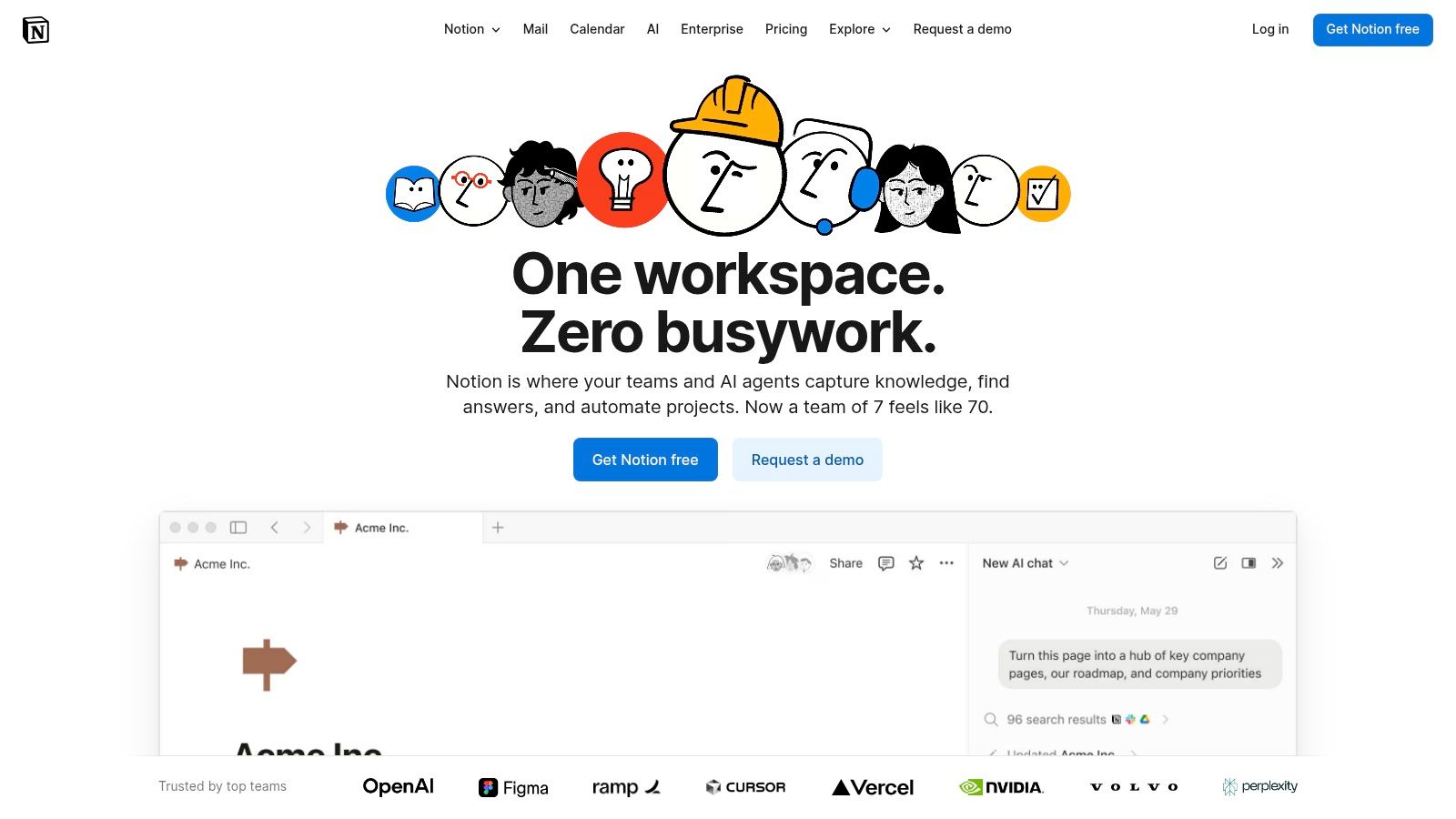
The platform’s intuitive editor and powerful database features, like relations and rollups, allow for the creation of sophisticated and highly organized knowledge systems with minimal technical effort. While its primary focus is internal knowledge management, you can publish pages publicly, and a growing ecosystem of third-party tools like Super or Potion allows you to build customer-facing help centers. With its integrated AI features for writing and search, Notion is a top-tier contender for teams that value versatility and a unified authoring experience.
Key Considerations
Pricing: Free plan available. Paid plans start at $10 per user/month (billed annually), with AI, SSO, and advanced analytics available on Business and Enterprise tiers.
Best Use Case: Teams creating comprehensive internal wikis, SOPs, and project documentation that need a flexible, collaborative, and all-in-one environment.
Limitation: Creating a polished, feature-rich public help center often requires workarounds or third-party integrations, as native customer-facing features are limited compared to dedicated platforms.
Building a truly effective knowledge repository in a flexible tool like Notion requires a solid strategy from the start. Learn more about the fundamentals of how to build a knowledge base to ensure your workspace stays organized and scalable.
Website: https://www.notion.so
11. Slab
Best for Clean, Focused Internal Knowledge Hubs
Slab is designed with a strong opinion: a knowledge base should be clean, fast, and highly readable. It deliberately avoids the complexity of sprawling project management tools, focusing entirely on being the best place for a team to create, organize, and discover information. This makes it an exceptional choice for organizations that value a distraction-free writing and reading experience for their internal documentation, SOPs, and company wikis.
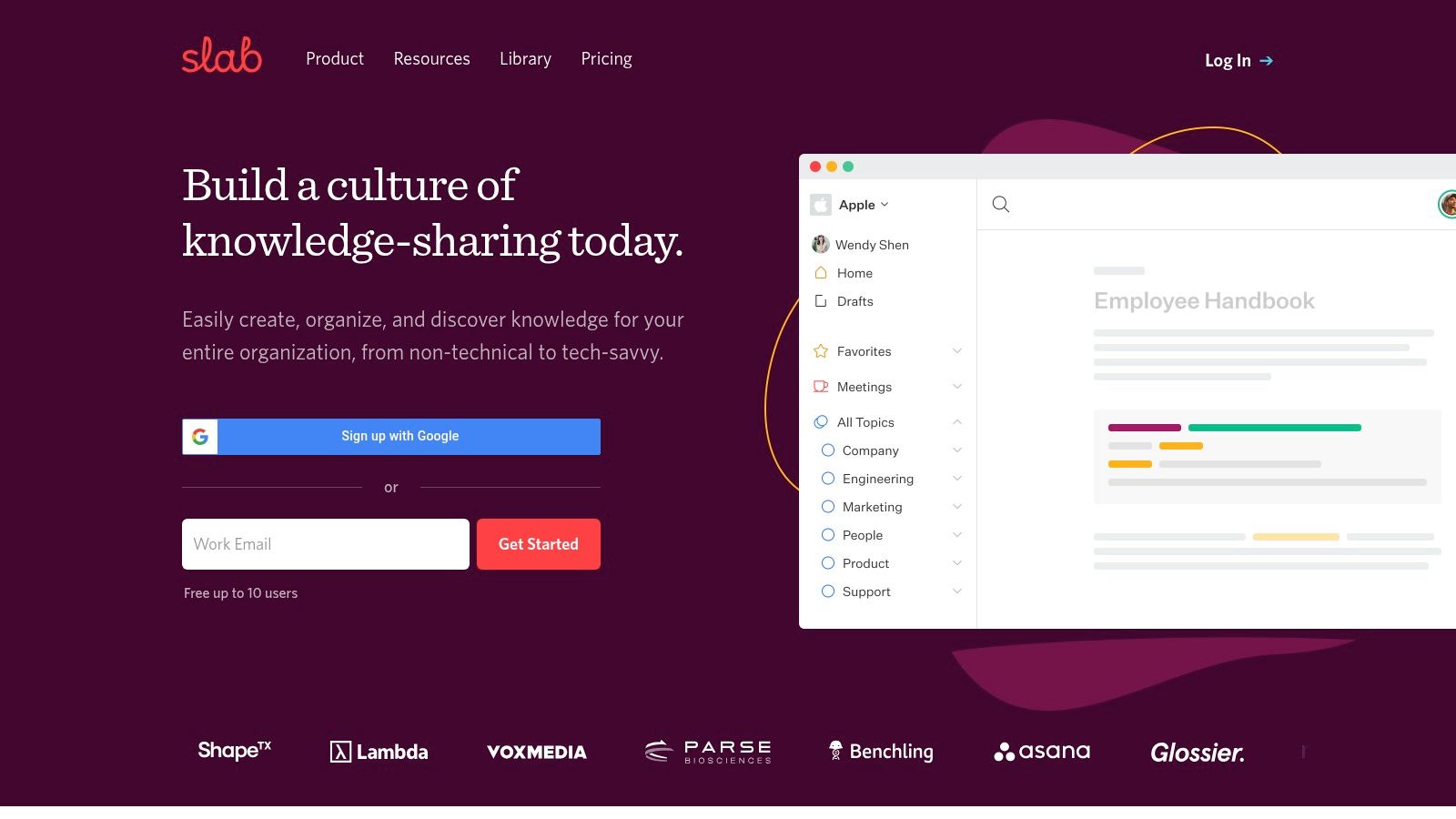
The standout feature is its Unified Search, which indexes content not just within Slab but also across your other connected apps like Slack, Google Drive, and Asana. This turns Slab into a central search portal for your entire company's knowledge, saving immense time. Additionally, its content verification workflow ensures that documentation stays current by prompting owners to review and update articles on a set schedule. Combined with a generous free tier and affordable paid plans, Slab presents a compelling package for SMBs seeking powerful yet simple knowledge base software.
Key Considerations
Pricing: Offers a free plan for up to 10 users. Paid plans start at $8 per user/month (billed monthly) or $6.67 per user/month (billed annually).
Best Use Case: Teams that need a dedicated internal knowledge base with a focus on simplicity, readability, and a powerful cross-platform search function.
Limitation: While it can be used for public-facing help centers, its feature set is less robust for this purpose compared to dedicated customer support platforms. Key AI features are also reserved for higher-tier plans.
A unified search function is a powerful tool for knowledge discovery. By integrating it with your most-used applications, you can create a single source of truth that significantly reduces the time employees spend searching for information.
Website: https://slab.com
12. GitBook
Best for Public-Facing Technical Documentation
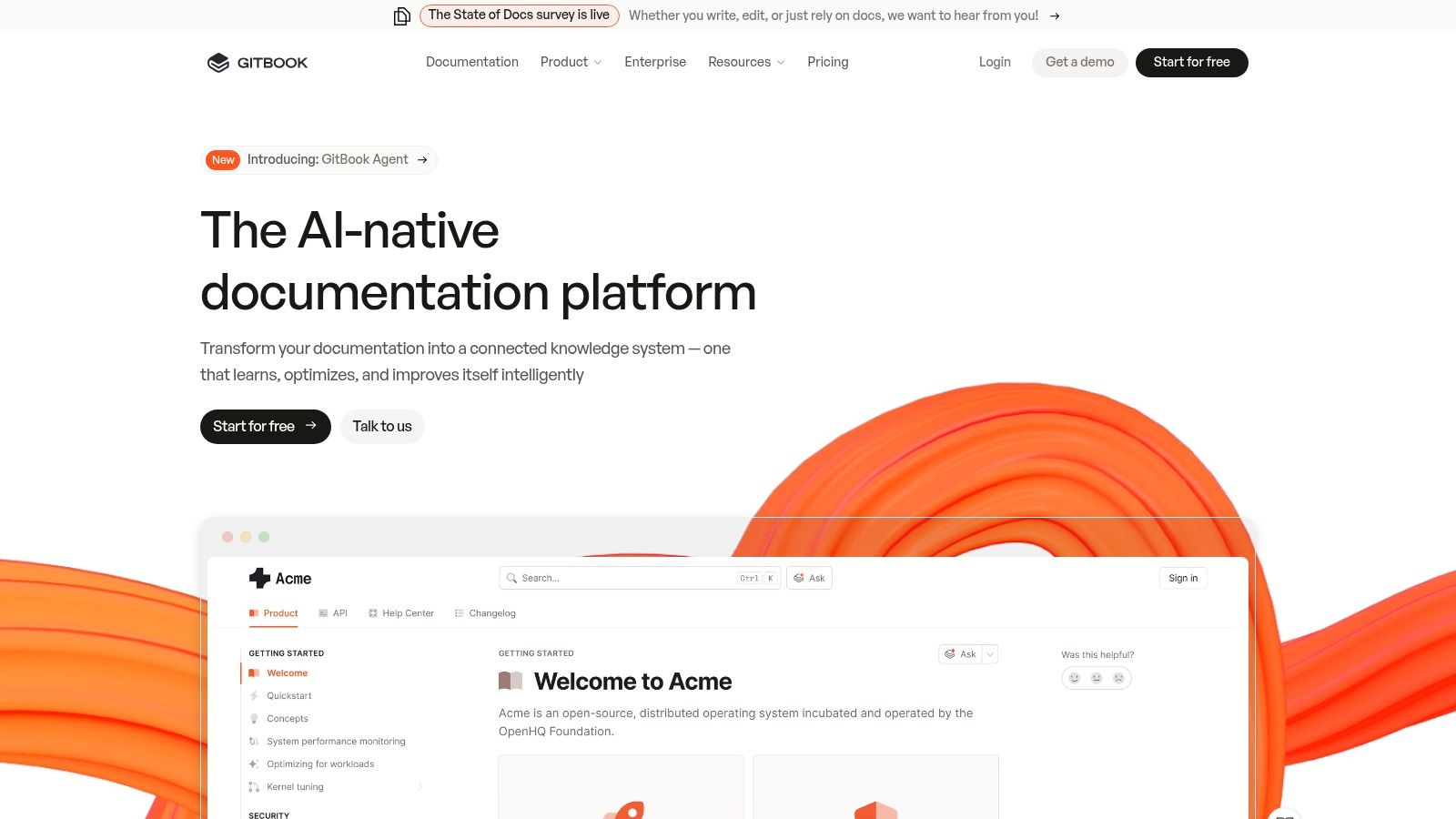
GitBook is purpose-built for creating and managing modern technical documentation, making it a top choice for developer-focused product guides and public knowledge bases. Its core strength lies in its seamless integration with developer workflows. By syncing directly with GitHub and GitLab repositories, it allows technical teams to manage documentation as code, using familiar processes like pull requests and version control. This ensures that documentation stays current with the product itself.
The platform is designed to handle complex technical content with ease. Its block-based editor supports rich media, but truly shines with features like interactive API and OpenAPI rendering, which transforms static API specs into dynamic, explorable documentation. For end-users, GitBook’s AI-powered search provides instant answers by synthesizing information from across the knowledge base, significantly improving the self-service experience for technical audiences.
Key Considerations
Pricing: Offers a free plan for a single user with a gitbook.io subdomain. Paid plans start at $8 per user/month, with per-site costs for custom domains and advanced features.
Best Use Case: SaaS companies and software teams that need to create, manage, and publish public-facing technical documentation and API references.
Limitation: While excellent for public documentation, it may be less suited for purely internal, private knowledge bases compared to other specialized tools. Key features like custom domains and team collaboration are locked behind paid tiers.
GitBook’s Git-sync functionality is a powerful way to embed documentation into your development lifecycle, ensuring accuracy and reducing the friction often associated with keeping docs updated.
Website: https://www.gitbook.com
Top 12 Knowledge Base Software Comparison
Product | Key features ✨ | Target 👥 | Pricing & value 💰 | Quality ★ |
|---|---|---|---|---|
🏆 Build a Guide | ✨ AI converts screen recordings into editable, step‑by‑step SOPs; branded hubs; real‑time co-edit | 👥 Ops, CS, agencies, support, HR | 💰 Start free; tiered & enterprise plans via sales | ★★★★★ |
Zendesk | ✨ Integrated help center + ticketing, Explore analytics, large integrations | 👥 Enterprise & multi‑brand support teams | 💰 Bundled in Suite; per‑agent costs add up | ★★★★☆ |
Intercom | ✨ In‑app Messenger, Fin AI agent, automations & routing | 👥 Product teams, in‑app support, SaaS | 💰 Usage‑based AI/phone/SMS; can scale costly | ★★★★☆ |
Help Scout | ✨ Docs + Beacon widget, simple authoring, article ratings | 👥 SMBs & small support teams | 💰 Clear tiers; add‑ons for Messages/AI | ★★★★☆ |
Freshdesk (Freshworks) | ✨ Omnichannel KB, multilingual portals, content across channels | 👥 Teams needing chat/WhatsApp + multilingual KBs | 💰 Competitive tiers; advanced KB gated to higher plans | ★★★★☆ |
Document360 | ✨ Advanced authoring, versioning, AI writing & auto‑translate | 👥 Docs teams, developer & product docs | 💰 Tiered; many enterprise plans quote‑based | ★★★★☆ |
Guru | ✨ Verified knowledge + expiration workflows; Slack/Teams agents | 👥 Internal enablement, sales & support ops | 💰 Per‑seat pricing with AI credits; enterprise tiers | ★★★★☆ |
Helpjuice | ✨ Concierge design/customization, fast search, localization | 👥 Teams needing branded customer or internal KBs | 💰 User‑based tiers; AI on higher plans | ★★★★☆ |
Atlassian Confluence | ✨ Spaces/pages, templates, strong Jira integration & governance | 👥 Enterprise/internal company wikis & dev teams | 💰 Cloud or Data Center; DC is enterprise‑priced | ★★★★☆ |
Notion | ✨ Flexible pages + databases; AI on Business/Enterprise | 👥 Teams wanting all‑in‑one workspace & internal KBs | 💰 Free/basic; paid for AI, SSO & enterprise controls | ★★★★☆ |
Slab | ✨ Readable UI, verification workflows, unified search | 👥 SMBs that value simple internal KB & search | 💰 Affordable SMB pricing; some AI on higher tiers | ★★★★☆ |
GitBook | ✨ Git sync, OpenAPI rendering, AI instant answers for docs | 👥 Developer docs, public product docs teams | 💰 Free single‑user; per‑site + per‑user paid plans | ★★★★☆ |
How to Choose the Right Knowledge Base for Your Business
Selecting a tool from a comprehensive list of the best knowledge base software is a significant first step, but the real work lies in matching a platform to your unique operational DNA. The "best" solution isn't just about the longest feature list; it's the one that seamlessly integrates with your team's workflow, supports your specific content goals, and scales alongside your growth. After reviewing the capabilities of platforms from Zendesk to Notion, the final decision comes down to a clear-eyed assessment of your own requirements.
Before you commit to a trial or demo, take a moment to solidify your strategy. By answering a few critical questions, you can move from a broad list of options to a shortlist of true contenders, ensuring you make a confident and impactful choice.
Define Your Primary Use Case
The most crucial factor in your decision is the purpose of your knowledge base. Are you building an external, customer-facing help center designed to deflect support tickets and empower users? Or is your primary goal an internal wiki to standardize operating procedures and accelerate employee onboarding?
For External, Customer-Facing KBs: Prioritize platforms like Zendesk, Intercom, or Document360. Look for features like advanced SEO controls, public-facing design customization, feedback collection widgets, and robust analytics that track article effectiveness and ticket deflection rates. The goal is self-service, so the user experience must be flawless.
For Internal, Team-Facing KBs: Focus on tools such as Guru, Confluence, or Slab. Here, the key features are granular user permissions, content verification workflows to prevent outdated information, deep integrations with internal chat (Slack, Teams) and project management tools (Jira, Asana), and a powerful, collaborative editor.
Consider Your Content Creators and Workflow
Next, evaluate who will be creating and maintaining the content and how they work. The most powerful software is useless if your team finds it too cumbersome to use.
If you have a dedicated technical writing team, a more complex platform like GitBook with its version control and developer-centric features might be a perfect fit. However, if knowledge creation is a distributed responsibility across your entire organization, simplicity is paramount. You need an intuitive editor and collaborative features that don't require extensive training.
For many teams, the biggest hurdle is simply getting processes documented in the first place. This is where modern, automation-focused tools shine. A platform like Build a Guide, for instance, can be a game-changer by automatically generating step-by-step guides from a simple screen recording, drastically lowering the barrier to creating high-quality, actionable content.
Map Out Your Growth, Integration, and Budget
Finally, think about the future. Your immediate need might be a simple FAQ page, but what will you require in one or two years? Choose a tool that can grow with you.
Scalability: Will you need to support multiple brands or products from a single account? How many articles and users do you anticipate? Ensure the platform's architecture and pricing tiers can accommodate your future scale.
Integrations: A knowledge base shouldn't be an island. Map out your existing tech stack and confirm the software integrates with the critical tools your team uses daily, from CRM and help desk software to internal communication apps.
Total Cost of Ownership: Look beyond the sticker price. Be wary of pricing models with hidden usage-based fees, such as per-AI-resolution or per-API-call charges. Calculate the total per-user cost and ensure it aligns with your budget. To help you compare and find the perfect fit for your specific needs, you may also want to explore a broader list of more top knowledge base software platforms to ensure you've considered all the leading options.
By aligning a platform's strengths with your core requirements-use case, creators, and future scale-you'll do more than just choose a tool. You will implement a foundational system that drives efficiency, empowers your team and customers, and becomes a true cornerstone of your company's collective intelligence.
Tired of the tedious process of manually writing SOPs and how-to guides? Build a Guide automates the entire documentation workflow, turning any screen recording into a beautiful, step-by-step knowledge base article in seconds. Stop documenting and start guiding by visiting Build a Guide to see how it works.