
January 21, 2026
10 Client Onboarding Best Practices for Agencies and SaaS Teams in 2026
Discover 10 client onboarding best practices to improve retention and efficiency. Our guide covers visual SOPs, analytics, and personalization for 2026.
A seamless client onboarding experience is the bedrock of customer retention and long-term success. Yet, many organizations still rely on outdated, text-heavy documents and inconsistent processes that create friction, overwhelm new users, and drive up support costs. The initial welcome can make or break a relationship, with poor onboarding being a primary driver of early-stage churn. When a customer feels confused or unsupported in their first few interactions, their lifetime value plummets before it ever has a chance to grow.
This isn't just about making a good first impression; it's about delivering on promises and proving your value immediately. A foundational element of optimizing client processes begins with a core understanding what onboarding is, particularly from the customer's perspective. It’s the critical phase where you guide them from the initial "yes" to achieving their first significant win with your product or service. A flawed process at this stage leads to higher support ticket volumes, strained client relationships, and ultimately, a leaky revenue bucket that undermines growth.
This article moves beyond generic advice to provide a prioritized, actionable roundup of 10 client onboarding best practices tailored for high-performance teams. We'll explore how to transform your process from a necessary chore into a strategic advantage, leveraging visual guides, data-driven feedback loops, and scalable systems to deliver value from day one. Whether you're an agency managing multiple clients, a SaaS company scaling its user base, or an operations team standardizing procedures, these proven strategies will help you create an onboarding journey that boosts activation, satisfaction, and long-term loyalty.
1. Create Interactive, Visual Step-by-Step Guides
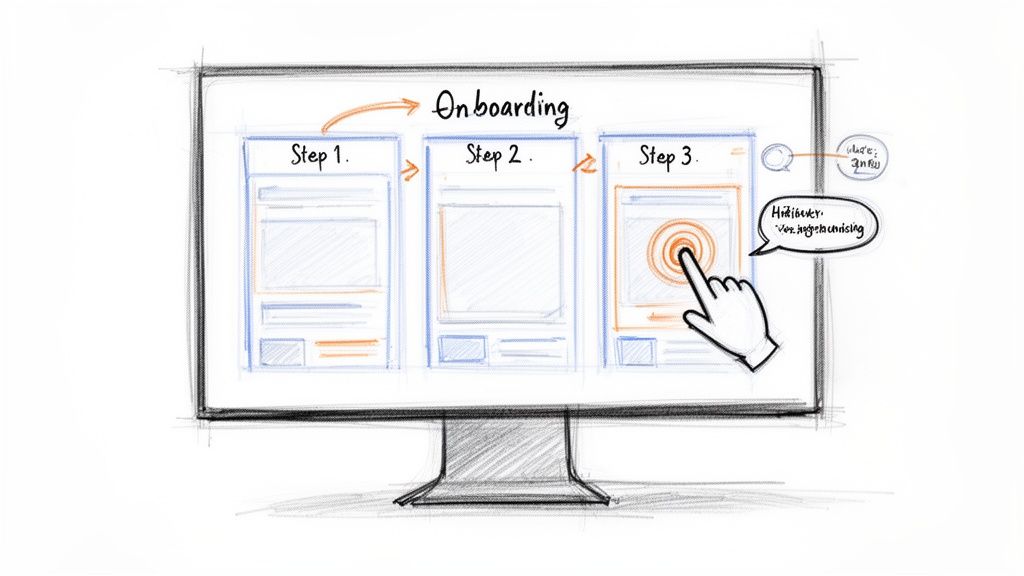
Move beyond static, text-heavy documents by transforming your onboarding materials into interactive, visual step-by-step guides. This approach replaces dense manuals with engaging content featuring screenshots, annotations, and clickable elements. It leverages the power of visual learning, which studies show can improve information retention by up to 65% compared to text alone. This is a cornerstone of modern client onboarding best practices, allowing clients to learn complex processes visually and at their own pace.
Why It Works
Interactive guides provide a "show, don't just tell" experience. This method reduces cognitive load and prevents the overwhelm that often comes with reading long documents. Companies like Slack and Notion use visual onboarding to guide users through initial workspace setup, while Shopify uses a step-by-step wizard to simplify store configuration. This hands-on approach builds user confidence and accelerates their time-to-value.
How to Implement This Practice
You can operationalize this best practice by using tools designed for visual documentation. For instance, platforms like Build a Guide can automatically capture your workflow as you perform it, instantly generating a guide with annotated screenshots.
Here are some actionable tips:
Keep it focused: Design each step to cover a single, clear action.
Include pro-tips: Add keyboard shortcuts or advanced tricks for power users.
Cover all paths: Document both the ideal workflow (the "happy path") and common alternative routes.
Stay on brand: Use consistent formatting, colors, and logos across all your guides.
By providing a clear, visual path forward, you empower clients to become proficient with your product or service more quickly and with less friction. To master this technique, you can explore how to create a step-by-step guide with modern tools.
2. Personalize Onboarding Journeys Based on User Roles and Goals
Avoid a one-size-fits-all approach by delivering customized onboarding experiences tailored to different user roles, goals, and use cases. Instead of forcing everyone through an identical workflow, this personalization strategy ensures each client sees only the most relevant information for their specific needs. This is a critical client onboarding best practice because it reduces cognitive load, accelerates time-to-value, and can increase user engagement significantly.
Why It Works
A personalized journey makes clients feel understood and valued, showing them precisely how your product or service solves their unique problems. This role-based approach prevents users from getting bogged down by features or steps that are irrelevant to them. For example, Asana offers different guides for project managers versus individual team members, while HubSpot tailors its onboarding based on a user's stated industry and company size. This focused guidance helps users achieve their first "win" much faster.
How to Implement This Practice
Start by identifying your core user personas and their distinct goals. From there, you can create modular guides that address each segment's needs. Tools like Build a Guide allow you to easily duplicate and customize a master guide for different client types, ensuring consistency while enabling personalization.
Here are some actionable tips:
Segment early: Use an upfront survey or role selection screen to route new users to the appropriate onboarding path.
Create a core guide: Build a primary "happy path" guide and supplement it with optional modules for advanced features or specific roles.
Analyze user behavior: Use analytics to identify common drop-off points for different user segments and refine your guides accordingly.
Adapt and iterate: Regularly review which guide versions drive the highest completion rates and lead to better long-term engagement.
By tailoring the initial experience, you demonstrate immediate relevance and guide each client toward the value they seek, setting a strong foundation for a successful long-term relationship. This is a cornerstone of effective, modern client onboarding best practices.
3. Implement Iterative Feedback Loops and Analytics
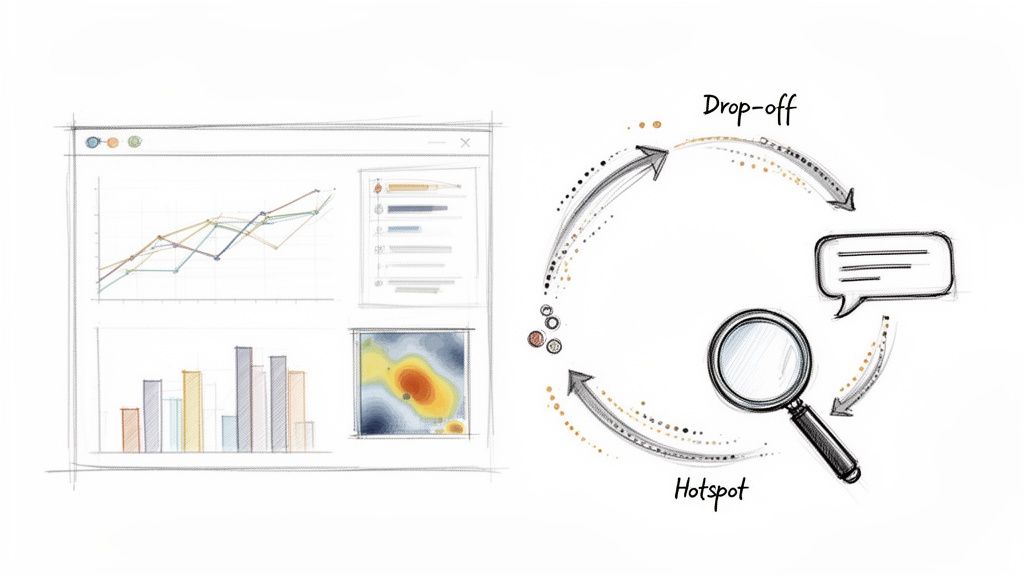
Great onboarding isn't a "set it and forget it" process; it’s a living system that evolves with your clients and product. To achieve this, implement iterative feedback loops and analytics to continuously monitor effectiveness. This practice involves tracking key engagement metrics and collecting user feedback to identify friction points, then using those data-driven insights to refine and improve your onboarding guides. This transforms your documentation from a static asset into a dynamic, ever-improving resource.
Why It Works
Data reveals the hidden story behind user behavior. By tracking metrics like guide completion rates, drop-off points, and time-on-task, you can pinpoint exactly where clients struggle without relying on guesswork. For example, Intercom tracks guide completion to iterate on its help content, while Figma analyzes user drop-off points to simplify complex feature introductions. This data-first approach, popularized by analytics leaders like Amplitude and Mixpanel, ensures your client onboarding best practices are based on evidence, not assumptions.
How to Implement This Practice
Start by establishing baseline metrics before you make any changes to your onboarding flow. This allows you to accurately measure the impact of your improvements. To truly operationalize these feedback loops, leveraging a dedicated platform can streamline data collection and analysis. For more on this, consider exploring a guide to customer feedback management platforms.
Here are some actionable tips:
Establish a review cadence: Review analytics monthly and prioritize improvements by impact.
Set clear targets: Define success with goals for completion rates or reduced support tickets.
Combine data types: Mix quantitative metrics (e.g., completion rates) with qualitative feedback (e.g., user surveys).
Monitor for anomalies: Create alerts for sudden drops in guide engagement, which may signal a broken process or new friction point.
By creating a continuous improvement cycle, you ensure your onboarding remains effective, relevant, and valuable to every new client.
4. Establish Clear Success Metrics and Milestones
Define what a successful client onboarding experience looks like by establishing specific, measurable goals and breaking them into achievable milestones. This practice transforms onboarding from a vague, open-ended process into a structured journey with clear checkpoints. It provides both your team and your client with a shared definition of success, ensuring everyone is aligned on the desired outcomes from day one. This is a fundamental client onboarding best practice for driving measurable results.
Why It Works
Setting clear metrics and milestones creates a roadmap for success, motivating clients by celebrating small wins along the way. This approach provides tangible proof of progress and helps identify where clients might be struggling. For example, Slack measures the milestone of a team sending its first 2,000 messages, knowing this correlates with long-term adoption. Similarly, Jira tracks initial project creation as a key success indicator, while GitHub focuses on a user’s first repository creation and commit.
How to Implement This Practice
Begin by defining what "activation" or "success" means for your specific service or product before you even build your onboarding flow. Use a mix of leading indicators (like completing a setup checklist) and lagging indicators (like long-term client retention) to get a full picture.
Here are some actionable tips:
Define metrics first: Establish your key performance indicators (KPIs) before creating any onboarding guides.
Track time-to-value: Measure how long it takes for different client segments to reach their first key milestone.
Communicate milestones: Clearly show clients the path ahead and celebrate with them as they complete each step to maintain momentum.
Use milestone checklists: Integrate checklists directly into your onboarding materials, such as a "Module 1: Account Setup Complete" marker in a guide.
Review and refine: Analyze your metrics quarterly to identify friction points and optimize underperforming elements of your onboarding process.
By turning onboarding into a goal-oriented journey, you give clients a clear sense of direction and accomplishment, significantly increasing their likelihood of achieving long-term success.
5. Create Self-Service Documentation Hubs for 24/7 Access
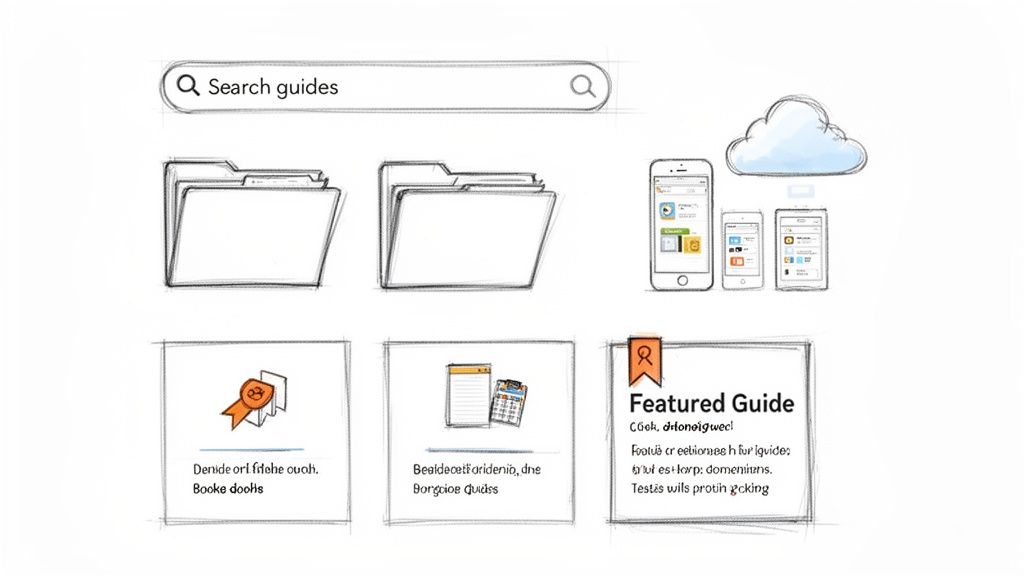
Empower clients to find answers independently by building centralized, searchable repositories of onboarding guides and standard operating procedures (SOPs). This approach provides 24/7 access to information, allowing users to resolve issues on their own schedule without waiting for a support response. A self-service documentation hub can reduce support ticket volume by 30-40% while significantly improving user autonomy and satisfaction, making it a crucial component of modern client onboarding best practices.
Why It Works
Self-service hubs shift the support model from reactive to proactive, providing clients with the tools they need to succeed from day one. This not only builds their confidence but also frees up your team to focus on more complex, high-value tasks. Companies like Stripe, with its comprehensive developer documentation, and HubSpot, with its organized HubSpot Academy, demonstrate how a well-structured knowledge base can become a key asset. These hubs also establish authority and professionalism, reinforcing your brand's commitment to client success.
How to Implement This Practice
You can operationalize this best practice by using tools designed to create and host documentation seamlessly. For example, platforms like Build a Guide include a branded hub feature that lets you publish all your interactive guides to a custom-domain knowledge base, making it instantly searchable and accessible for your clients.
Here are some actionable tips:
Organize intuitively: Structure categories to match how your clients think about your product or service.
Tag everything: Add relevant keywords and tags to every guide to improve search discoverability.
Create a "Getting Started" section: Design a clear entry point for new users to begin their journey.
Monitor search queries: Analyze what users are searching for to identify content gaps and improve existing documentation.
Keep it on-brand: Ensure your hub’s design, colors, and logo are consistent with your overall branding.
By providing a single source of truth, you streamline the learning process and equip clients with the resources they need to thrive. To get started, you can explore how to build a knowledge base that scales with your business.
6. Use Progressive Onboarding to Reveal Features Over Time
Instead of overwhelming new clients with every feature at once, introduce functionalities gradually as they gain proficiency. This strategy, known as progressive onboarding, aligns with cognitive load principles by preventing feature fatigue and information overload. It’s a core component of effective client onboarding best practices because it allows users to build confidence with core features before moving on to more advanced capabilities.
Why It Works
Progressive onboarding mirrors natural learning processes by introducing complexity in manageable stages. This approach reduces initial anxiety and helps clients achieve early wins, which motivates them to continue exploring. Duolingo exemplifies this by unlocking advanced grammar lessons only after a user masters basic vocabulary. Similarly, Canva presents a simplified interface for beginners while making its powerful design tools available to experts who seek them out. This staged approach increases long-term adoption and user satisfaction.
How to Implement This Practice
Operationalize this practice by mapping your product’s features to different user proficiency levels and creating targeted guides for each stage. Your goal is to guide clients from novice to expert status methodically.
Here are some actionable tips:
Map features to proficiency: Categorize your features as beginner, intermediate, or advanced.
Create versioned guides: Develop separate, tailored guides for each user level to avoid confusion.
Use engagement as a trigger: Monitor user activity and engagement metrics to determine when a client is ready for more advanced features.
Guide their next steps: Include "Next Steps" or "Learn More" sections in your guides to encourage progression.
Celebrate milestones: Acknowledge user progress with in-app messages or emails to motivate them to advance.
By revealing features over time, you create a more manageable and rewarding learning curve. This method empowers clients to master your offerings deeply, transforming them from new users into proficient, long-term advocates.
7. Enable Real-Time Collaboration on Guides and Documentation
Onboarding is a team sport, not a solo mission. To create truly effective resources, you need to break down departmental silos and enable real-time collaboration on guides and documentation. This approach allows your support, product, and operations teams to co-edit, comment, and iterate on client-facing materials simultaneously. It transforms static documents into living assets that benefit from diverse expertise and stay consistently up-to-date.
This collaborative model is a critical client onboarding best practice because it fosters shared ownership over the client experience. When multiple teams contribute, the resulting documentation is more comprehensive, accurate, and reflective of the entire customer journey, which reduces the time needed to standardize and publish high-quality support materials.
Why It Works
Real-time collaboration prevents version control nightmares and accelerates the creation of accurate, high-quality onboarding materials. Instead of emailing documents back and forth, teams can work in a single, centralized space. Companies like Google pioneered this with Google Docs for content creation, while Atlassian's Confluence allows entire organizations to build and maintain a shared knowledge base. This method ensures that the final product incorporates insights from every corner of your business.
How to Implement This Practice
Adopt tools that are built for teamwork and shared documentation. For instance, platforms like Build a Guide enable multiple team members to co-author and refine step-by-step guides, ensuring the information is always current and vetted by the right experts.
Here are some actionable tips:
Establish clear workflows: Define a process for drafting, reviewing, and approving content before it goes live.
Designate owners: Assign a specific person to be responsible for the final approval of each guide.
Use comments for feedback: Encourage team members to suggest changes via comments rather than making direct edits to maintain a clear revision history.
Create templates: Develop standardized templates for all guides to ensure consistency in branding and structure.
Schedule regular reviews: Set aside time quarterly or bi-annually to review and update existing documentation as a team.
By centralizing collaboration, you empower your team to collectively improve the client onboarding process, ensuring every client receives the best and most accurate information.
8. Integrate Onboarding with Ongoing Support and Success
Treating onboarding as a one-time event is a common pitfall. Instead, you should integrate initial onboarding seamlessly with your ongoing support and customer success initiatives. This approach creates a unified client journey where learning and support are continuous, not fragmented. By connecting these functions, support resources can build upon initial training, ensuring consistency and reinforcing key concepts long after the official onboarding period ends. This is a crucial element of client onboarding best practices, as it turns a finite process into a sustained success loop.
Why It Works
An integrated system prevents knowledge silos and reduces redundancy. When support teams are disconnected from onboarding, they often have to re-teach concepts or provide conflicting information. Companies like Zendesk excel here by linking their extensive knowledge base directly to support tickets, allowing agents to share relevant guides instantly. Similarly, HubSpot’s model tightly couples their educational academy with their customer success and support functions, ensuring every client interaction reinforces their learning journey and drives long-term value.
How to Implement This Practice
Begin by breaking down the walls between your onboarding, support, and success teams. Use shared tools and establish common goals centered on client proficiency and satisfaction. This ensures that the handover from onboarding to ongoing support is smooth and that client knowledge continues to build over time.
Here are some actionable tips:
Arm support with guides: Train your support agents to reference onboarding guides and SOPs in their ticket responses.
Automate with templates: Embed links to relevant guides directly within your canned responses and ticket templates.
Create a feedback loop: Allow support teams to easily suggest updates or flag gaps in existing onboarding documentation.
Use data to guide content: Analyze support ticket trends to identify common issues that need a new or improved step-by-step guide.
Establish a rhythm: Hold regular sync meetings between documentation creators and support teams to discuss client feedback and content effectiveness.
By weaving your onboarding materials into the fabric of your daily support operations, you create a cohesive ecosystem that empowers clients at every stage of their lifecycle.
9. Standardize Processes Through Living Documentation Libraries
Move away from static, outdated process documents by creating a living documentation library. This approach treats your Standard Operating Procedures (SOPs) as dynamic, version-controlled assets that evolve with your business, ensuring guides always reflect current workflows. This practice is essential for maintaining consistency, especially for scaling agencies, SaaS companies, and teams managing complex client projects where outdated information can cause significant confusion and errors.
Why It Works
Living documentation serves as a single source of truth, minimizing the risk of clients or team members following obsolete instructions. This is a core component of effective client onboarding best practices because it builds trust and demonstrates a commitment to operational excellence. Companies like Zapier use an internal "Loopbook" to keep processes current, while organizations using Notion or Confluence for knowledge management rely on these systems to keep documentation alive. This ensures everyone is working from the same, most recent playbook.
How to Implement This Practice
You can operationalize this best practice by assigning clear ownership for each SOP and scheduling regular reviews. Use tools that support versioning and easy updates to prevent your library from becoming a document graveyard. For instance, you can use Build a Guide's AI capabilities to instantly convert screen recordings of new processes into up-to-date guides.
Here are some actionable tips:
Assign clear ownership: Designate a specific person or team responsible for keeping each SOP current.
Schedule quarterly reviews: Set a recurring calendar reminder to review and validate your documentation.
Document the ‘why’: Explain the reasoning behind a process, not just the steps, to improve adherence.
Create a changelog: Track updates and changes to processes over time for transparency and historical context.
By standardizing processes with a living library, you provide a reliable and consistent onboarding experience. To maintain your SOPs efficiently, you can explore how to keep your guides updated without meetings.
10. Design Onboarding for Multiple Delivery Channels and Formats
Modern clients expect to learn in the format that suits them best, whether it's an interactive guide, a quick video, or a detailed knowledge base. A multi-channel onboarding strategy meets users where they are by distributing content across diverse platforms. This approach recognizes that one size does not fit all; some clients prefer self-paced tutorials, while others benefit from live training sessions or email drip campaigns. By offering multiple entry points, you increase accessibility and engagement, ensuring your onboarding process resonates with different learning preferences and consumption habits.
Why It Works
A multi-channel approach is one of the most effective client onboarding best practices because it respects user agency and context. For example, a busy executive might prefer a downloadable PDF checklist, while a hands-on manager may favor an interactive, in-app walkthrough. Tech giants exemplify this: HubSpot offers a mix of guides, certification courses, and live training, while Slack combines in-app tutorials with helpful email tips and a comprehensive help center. This flexibility ensures that every client can find the resources they need, in the format they prefer, at the moment they need them.
How to Implement This Practice
Start by creating a central "master guide" for each key process, then repurpose that core content for different channels. For example, a tool like Build a Guide can generate an interactive step-by-step guide that can then be exported as a video, PDF, or embedded directly into your knowledge base.
Here are some actionable tips:
Audit user preferences: Survey your clients to understand which channels they find most effective.
Maintain consistency: Use clear style guidelines to ensure branding and messaging are consistent across all formats.
Track channel metrics: Monitor engagement for each channel (e.g., video views, guide completions) to optimize your content strategy.
Combine self-service and live support: Offer on-demand resources like guides and videos alongside optional live Q&A sessions for complex topics.
By diversifying your delivery channels, you create a more resilient and user-centric onboarding experience that caters to a wider audience and improves knowledge retention.
10-Point Client Onboarding Comparison
Approach | Implementation complexity 🔄 | Resource requirements ⚡ | Expected outcomes 📊⭐ | Ideal use cases 💡 | Key advantages ⭐ |
|---|---|---|---|---|---|
Create Interactive, Visual Step-by-Step Guides | 🔄 Moderate–High: design, capture, interactive elements | ⚡ Moderate: screen recordings, authoring tools, occasional video | 📊 High retention & faster time-to-proficiency; ⭐⭐⭐ | New-user onboarding; complex UIs; product tours | Visual clarity; fewer support tickets |
Personalize Onboarding Journeys Based on User Roles and Goals | 🔄 Medium: persona mapping and variant management | ⚡ Moderate: analytics, content variants, editor | 📊 Increased engagement and faster time-to-value; ⭐⭐ | Multi-role B2B products; segmented customer bases | Relevance per user; better adoption |
Implement Iterative Feedback Loops and Analytics | 🔄 Medium: instrumentation and analysis workflow | ⚡ Moderate–High: analytics tools, data expertise | 📊 Continuous improvement; identify friction; ⭐⭐⭐ | Products needing optimization; churn reduction | Data-driven improvements; measurable ROI |
Establish Clear Success Metrics and Milestones | 🔄 Low–Medium: define KPIs and tracking rules | ⚡ Low–Moderate: tracking setup and reporting | 📊 Clear accountability; measurable activation & retention; ⭐⭐ | Growth-focused teams; demonstrating onboarding ROI | Prioritizes work; motivates users with milestones |
Create Self-Service Documentation Hubs for 24/7 Access | 🔄 Low–Medium: taxonomy and hub setup | ⚡ Low–Moderate: content creation, hosting, search | 📊 Reduced support volume; always-available resources; ⭐⭐ | Scaling support, developer docs, distributed teams | Scales knowledge; branded professional presence |
Use Progressive Onboarding to Reveal Features Over Time | 🔄 Medium: map levels and trigger logic | ⚡ Moderate: multiple guide versions and progression tracking | 📊 Lower cognitive load; staged feature adoption; ⭐⭐ | Feature-rich apps; novice→power-user journeys | Improved retention; staged learning curve |
Enable Real-Time Collaboration on Guides and Documentation | 🔄 Low–Medium: permissions and workflow rules | ⚡ Low: collaborative editor and commenting | 📊 Faster updates; higher documentation quality; ⭐⭐ | Cross-functional teams; fast-moving products | Shared ownership; faster iteration |
Integrate Onboarding with Ongoing Support and Success | 🔄 Medium–High: cross-team integrations and workflows | ⚡ Moderate: ticketing links, in-app tips, training | 📊 Consistent experience; fewer repeat tickets; ⭐⭐ | Customer-success centric organizations | Unified journey; improved support efficiency |
Standardize Processes Through Living Documentation Libraries | 🔄 Medium–High: governance, version control, ownership | ⚡ Moderate: templates, review cadence, maintenance | 📊 Consistency, compliance, scalable ops; ⭐⭐⭐ | Agencies, regulated orgs, multi-client operations | Process consistency; auditability; captured tribal knowledge |
Design Onboarding for Multiple Delivery Channels and Formats | 🔄 High: adapt content per channel and maintain parity | ⚡ High: content creation for video, guides, email, in-app | 📊 Broader reach and accessibility; higher engagement; ⭐⭐ | Diverse audiences; omnichannel product experiences | Meets varied learning styles; flexible access |
From Best Practices to Daily Practice: Operationalizing Your Onboarding
We've explored ten essential client onboarding best practices, moving from creating interactive visual guides to standardizing processes through living documentation. Each strategy, whether it's personalizing user journeys, establishing success metrics, or implementing feedback loops, serves a singular purpose: to transform a transactional handoff into a transformational partnership. The journey from prospect to power user is not accidental; it’s a meticulously designed experience built on a foundation of clarity, support, and tangible value.
Adopting these concepts is the first crucial step, but the real competitive advantage lies in operationalizing them. Knowledge trapped in static documents or dependent on individual team members creates bottlenecks and inconsistent experiences. The goal is to evolve from ad-hoc, manual onboarding efforts to a standardized, scalable, and continuously improving system. This is where theory meets practice, and where the most successful organizations separate themselves from the pack.
Key Takeaways: From Theory to Action
Recapping the core themes, a world-class onboarding program is:
Personalized and Proactive: It anticipates user needs based on roles and goals, delivering the right information at the right time rather than overwhelming them with everything at once. Progressive onboarding isn't just a feature; it's a philosophy of respect for the user's time and cognitive load.
Data-Informed and Iterative: The best onboarding programs are never truly "finished." By implementing analytics and feedback loops, you create a living system that adapts to user behavior, product updates, and evolving customer success metrics.
Accessible and Empowering: Empowering clients with self-service documentation hubs and multi-channel guides gives them the autonomy to find answers 24/7. This not only reduces the burden on your support teams but also fosters a sense of competence and ownership in your clients.
Integrated and Consistent: Onboarding is not an isolated event. It must be seamlessly integrated with your ongoing support and customer success efforts, creating a cohesive lifecycle where every interaction reinforces the value of your partnership.
Your Next Steps: Building an Onboarding Engine
The prospect of overhauling your entire onboarding process can feel daunting. The key is to start small and build momentum. Don’t try to implement all ten best practices at once. Instead, identify the one or two areas that represent the most significant pain points for your clients and your team right now.
Identify the Biggest Bottleneck: Is it repetitive support questions? Low feature adoption? A lengthy time-to-value? Pinpoint the most critical issue.
Choose a Corresponding Best Practice: If repetitive questions are the problem, start by creating a self-service documentation hub (Practice #5). If low adoption is the issue, focus on creating interactive, visual step-by-step guides for key features (Practice #1).
Document a Single Process: Select one core workflow and document it using a tool designed for this purpose. Capture every step, screenshot, and instruction needed to master it. This single guide becomes your first asset in a growing library.
Measure and Iterate: Deploy that guide and track its usage. Solicit feedback. Did it solve the problem? How can it be improved? Use this initial win to build the case for expanding your efforts.
By systematically applying these client onboarding best practices, you move beyond merely welcoming new customers. You begin architecting their success. You transform onboarding from a reactive, administrative chore into a proactive, strategic engine for customer retention, loyalty, and sustainable growth. This investment doesn’t just pay dividends in satisfaction scores; it builds the foundation for long-term, profitable relationships.
Ready to turn these best practices into your daily reality? Build a Guide empowers you to create the interactive, visual, and trackable onboarding materials discussed throughout this article. Stop wrestling with static documents and start building a living, scalable onboarding system today at Build a Guide.