
January 2, 2026
Discover the Best process documentation tools for Streamlined SOPs
Explore top process documentation tools to streamline workflows and SOP creation. Compare features, pricing, and use cases to pick the right tool.
If a key team member left tomorrow, would their essential knowledge walk out the door with them? This is the high cost of "tribal knowledge," the unwritten rules and procedures that live inside your employees' heads. It leads to inconsistent work quality, painfully long onboarding for new hires, and a constant, low-level anxiety that a single departure could derail critical operations. Effective process documentation isn't about creating dusty, forgotten binders; it's about building a living, accessible library of your team's best practices.
The right process documentation tools transform this challenge into a strategic advantage. They replace guesswork and repetitive questions with a clear, scalable system that empowers everyone to perform at their best. This shift is crucial for agencies delivering SOPs to clients, customer support teams standardizing workflows, and HR managers streamlining onboarding. For any growing business, moving from ad-hoc instructions to a centralized knowledge base is a non-negotiable step toward sustainable success.
This guide cuts through the noise to help you find the best platform for your specific needs. We’ve analyzed a curated list of leading software, focusing on practical application over marketing hype. Each review dives into key features like automated workflow capture, collaborative editing, and integration capabilities. We provide screenshots, direct links, and a clear breakdown of pricing, pros, and cons. Whether you're a small business standardizing your first procedures or a distributed enterprise managing complex operations, this resource will equip you to make an informed decision and build a more resilient, efficient, and independent team.
1. Build a Guide
Build a Guide stands out as a premier process documentation tool by transforming raw screen recordings into polished, interactive Standard Operating Procedures (SOPs) with remarkable efficiency. Where other tools require manual screen-capturing and annotation, Build a Guide leverages proprietary AI to automatically analyze a video, extract key steps, generate screenshots, and draft initial instructions. This drastically reduces the time and effort required to move from a complex workflow to a finished, shareable guide.
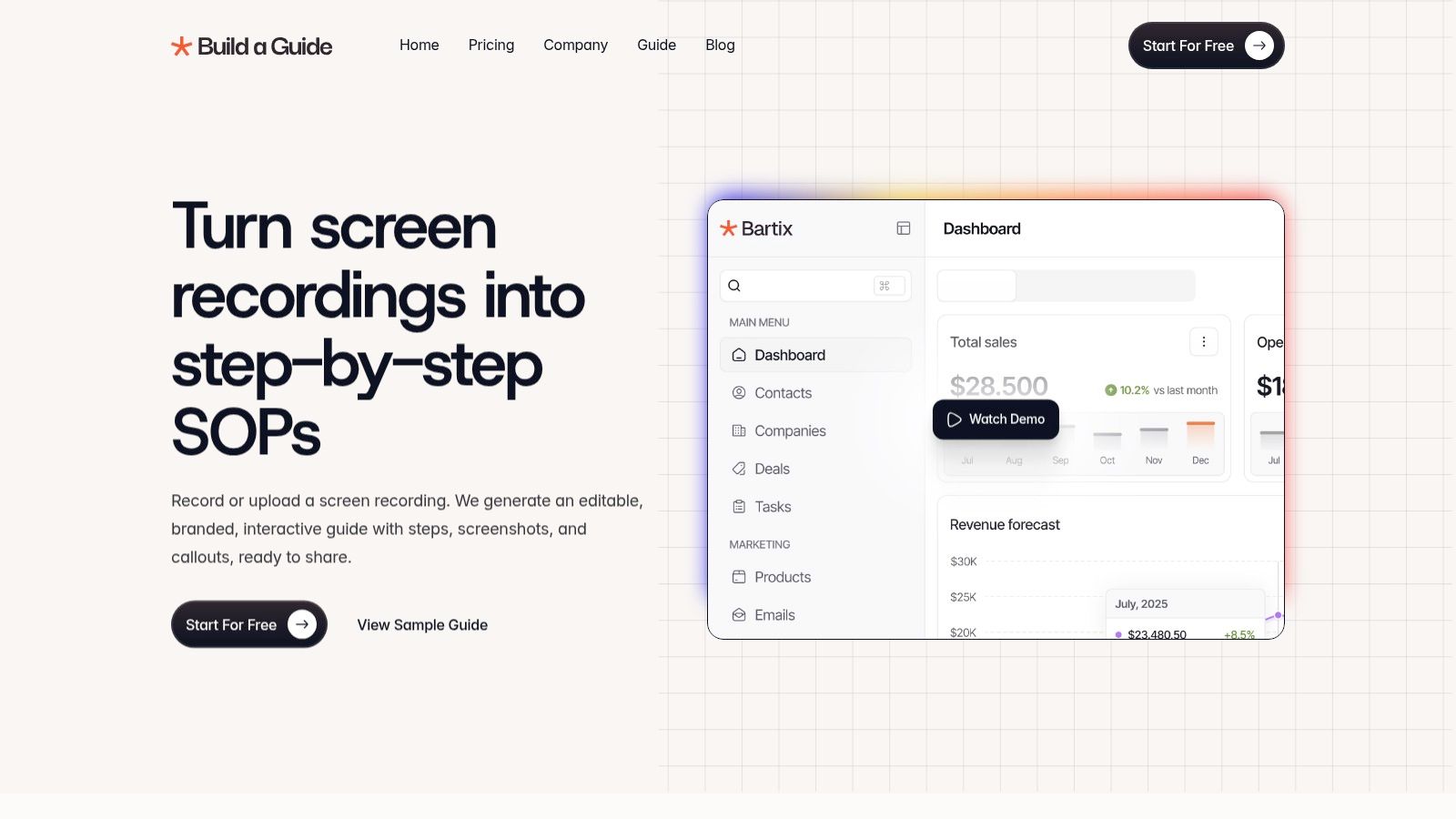
This automation-first approach empowers teams to create comprehensive documentation at scale. The platform is specifically engineered for creating SOPs, not just recording screens. It offers a rich-text editor, checklists, and real-time co-editing, allowing teams to refine AI-generated drafts into precise, brand-aligned instructional content. This collaborative environment ensures accuracy and consistency, turning tribal knowledge into a structured, living library.
Key Strengths and Use Cases
Build a Guide excels in scenarios where speed, scale, and clarity are critical.
For Customer Success and Support: Teams can rapidly create and distribute visual guides that walk customers through complex features or troubleshooting steps, reducing support tickets and shortening time-to-resolution.
For Agencies and Consultants: The multi-hub management feature is a significant advantage, allowing users to create, manage, and deliver repeatable SOPs for multiple clients from a single dashboard, each with its own branding and custom domain.
For HR and Operations: Onboarding new hires becomes streamlined and consistent. New team members receive interactive guides they can follow at their own pace, ensuring procedural adherence from day one.
The platform's engagement analytics provide actionable insights by tracking views, completion rates, and user interaction hotspots. This data helps content creators identify confusing steps and continuously improve their documentation. For a deeper look into optimizing your documentation, you can learn how to create an effective step-by-step guide on buildaguide.app.
Pros and Cons
Pros | Cons |
|---|---|
Drastic Time Savings: AI-powered video-to-SOP conversion automates the most tedious aspects of guide creation. | Limited Pricing Transparency: Public site focuses on a 'Start For Free' option; enterprise and agency plans require contact. |
Built for Scale: Multi-hub management and custom branding make it ideal for agencies and large organizations. | AI Requires Oversight: Complex workflows may need manual refinement to ensure the AI-generated steps are precise. |
Collaborative Editing: Real-time co-editing and comments streamline the review and refinement process for team-based projects. | Security Verification: Organizations handling sensitive data should verify compliance protocols for uploaded recordings. |
Actionable Analytics: Engagement metrics help measure documentation effectiveness and guide improvements. |
Website: https://buildaguide.app
2. Scribe
Scribe revolutionizes the creation of step-by-step guides by turning any process into a polished document automatically. It's a browser extension and desktop app that captures your clicks and keystrokes, instantly generating a guide complete with annotated screenshots and written instructions. This makes it one of the fastest process documentation tools available for creating Standard Operating Procedures (SOPs), training materials, or client-facing tutorials. The core value is its speed- you just perform the task, and Scribe documents it for you.
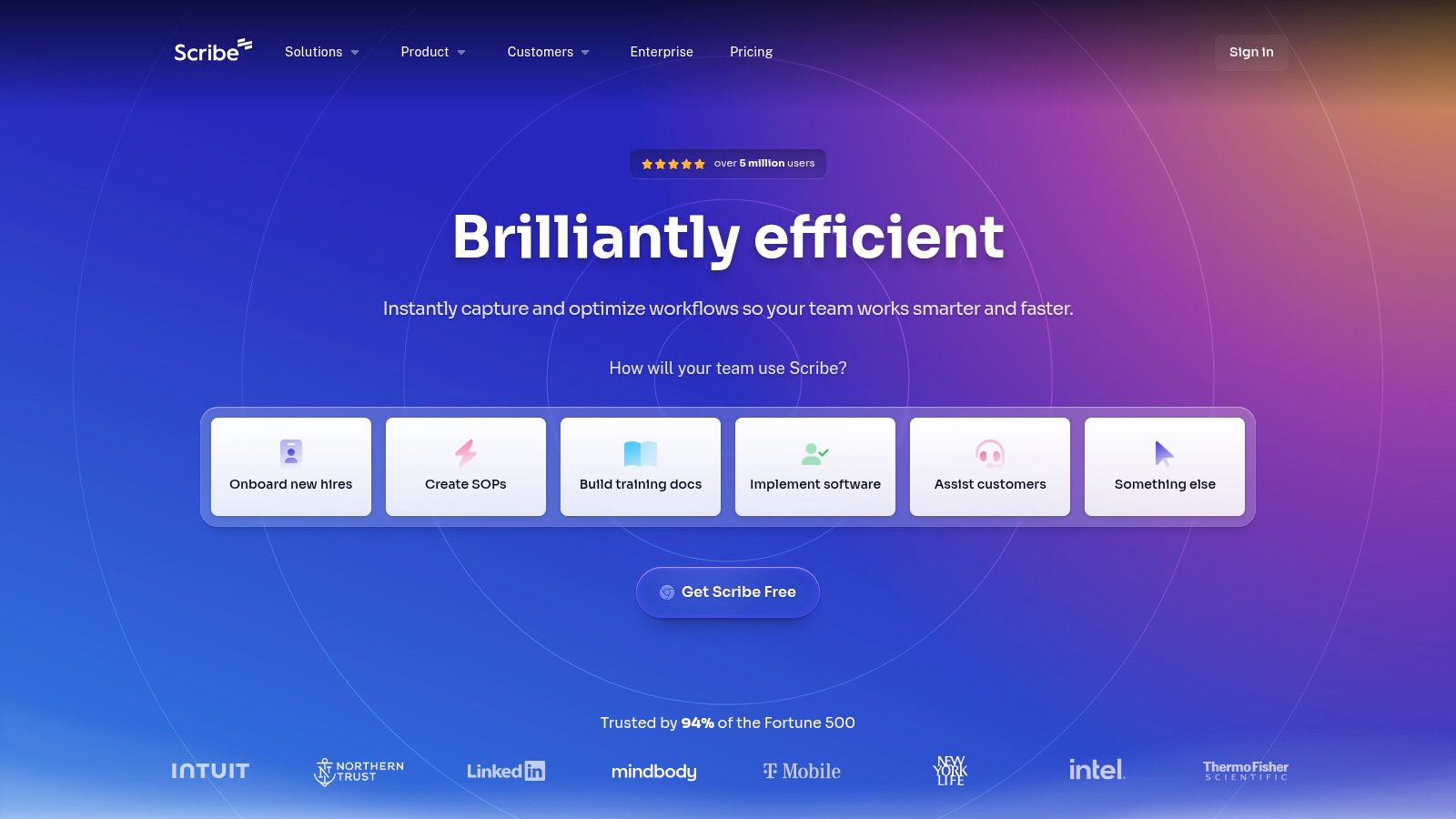
This tool is exceptionally well-suited for teams that need to produce high-volume, visual-heavy documentation without a steep learning curve. The user interface is clean and intuitive, making adoption across a team nearly effortless. Its one-click capture is the standout feature, saving countless hours typically spent on manual screenshotting and annotation.
Key Features, Pricing, and Use Cases
Best For: Customer success teams creating product walkthroughs, agencies building client handover guides, and HR managers developing onboarding materials for software.
Key Features: Automatic guide generation, customizable branding and text, easy sharing via links or embeds, and sensitive data redaction on paid plans.
Pricing: A free Basic plan is available for individual use. The Pro plan (starting at $23/seat/month) unlocks desktop capture, custom branding, and screenshot editing. The Enterprise plan offers advanced security and governance features.
Scribe shines in its simplicity but isn't a comprehensive knowledge base. It is best used alongside a central wiki or documentation platform like Confluence or Notion. While it lacks advanced workflow management features like approvals or version control, its sheer efficiency in guide creation is unmatched. You can get a sense of this speed by reviewing a guide on how to document a process in under 10 minutes that leverages this technology.
Website: https://scribehow.com
3. Tango
Tango offers a powerful, intuitive way to create step-by-step guides by automatically capturing your on-screen actions. Similar to Scribe, it uses a browser extension and desktop application to record your clicks and keystrokes, transforming them into polished guides with screenshots and text. Where Tango begins to differentiate itself is its clear upgrade path from simple documentation to interactive, in-app guidance, making it one of the more scalable process documentation tools for growing teams.
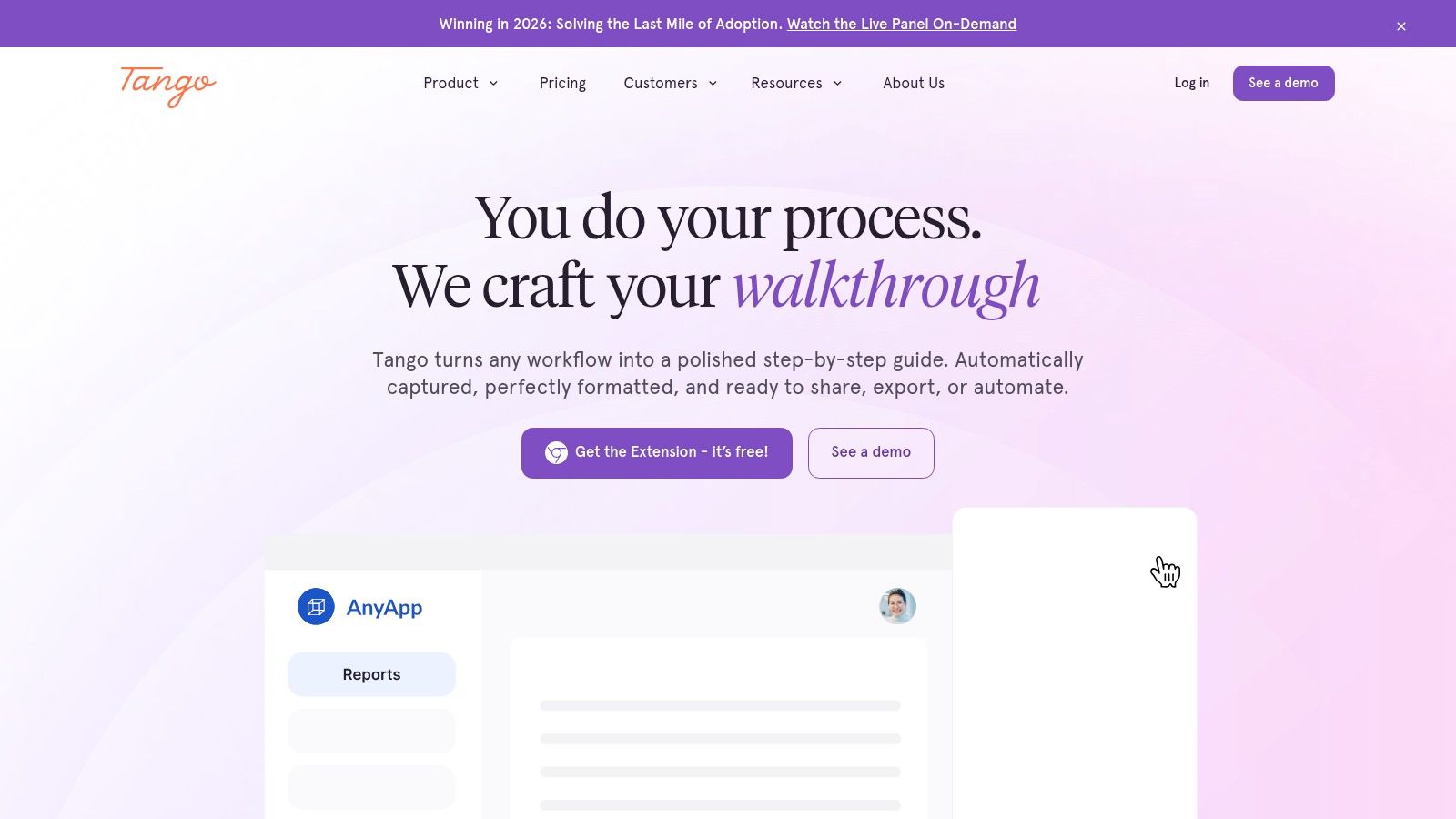
This platform is ideal for organizations that anticipate needing more than static documents in the future. The initial experience is centered on fast, easy guide creation, but enterprise-level features introduce guided walkthroughs and automations directly within other software. This makes Tango a strategic choice, allowing a team to start with basic documentation and later implement a full-fledged digital adoption platform without changing vendors.
Key Features, Pricing, and Use Cases
Best For: Small to mid-sized businesses needing a generous free plan, product teams planning for future in-app tutorials, and operations managers looking for a single tool for both internal SOPs and interactive training.
Key Features: Automatic step-by-step guide capture, sensitive data blur, customizable branding, and enterprise-level guided walkthroughs and automations.
Pricing: A generous Free plan supports up to 10 users and 15 shared workflows. The Pro plan (starting at $16/user/month) adds desktop capture and removes branding. The Enterprise plan offers advanced guidance, analytics, and security features with custom pricing.
Tango’s strength lies in its excellent free tier and its vision for evolving documentation into action. While the core documentation features are on par with competitors, its advanced digital adoption capabilities are a significant advantage for those who can afford the enterprise tier. The per-seat pricing on paid plans can become costly for very large teams, and the five-figure starting point for its advanced "Guidance" features may be prohibitive for smaller companies.
Website: https://www.tango.us
4. Process Street
Process Street transforms static documents into interactive, no-code workflows. It excels at moving beyond simple documentation by allowing teams to create structured checklists and processes that can be executed, tracked, and automated. This makes it one of the most powerful process documentation tools for organizations that need to enforce compliance, ensure consistency, and maintain auditable records for recurring tasks like client onboarding, employee training, or quality assurance checks. Its core strength is bridging the gap between documenting a process and actually executing it flawlessly every time.
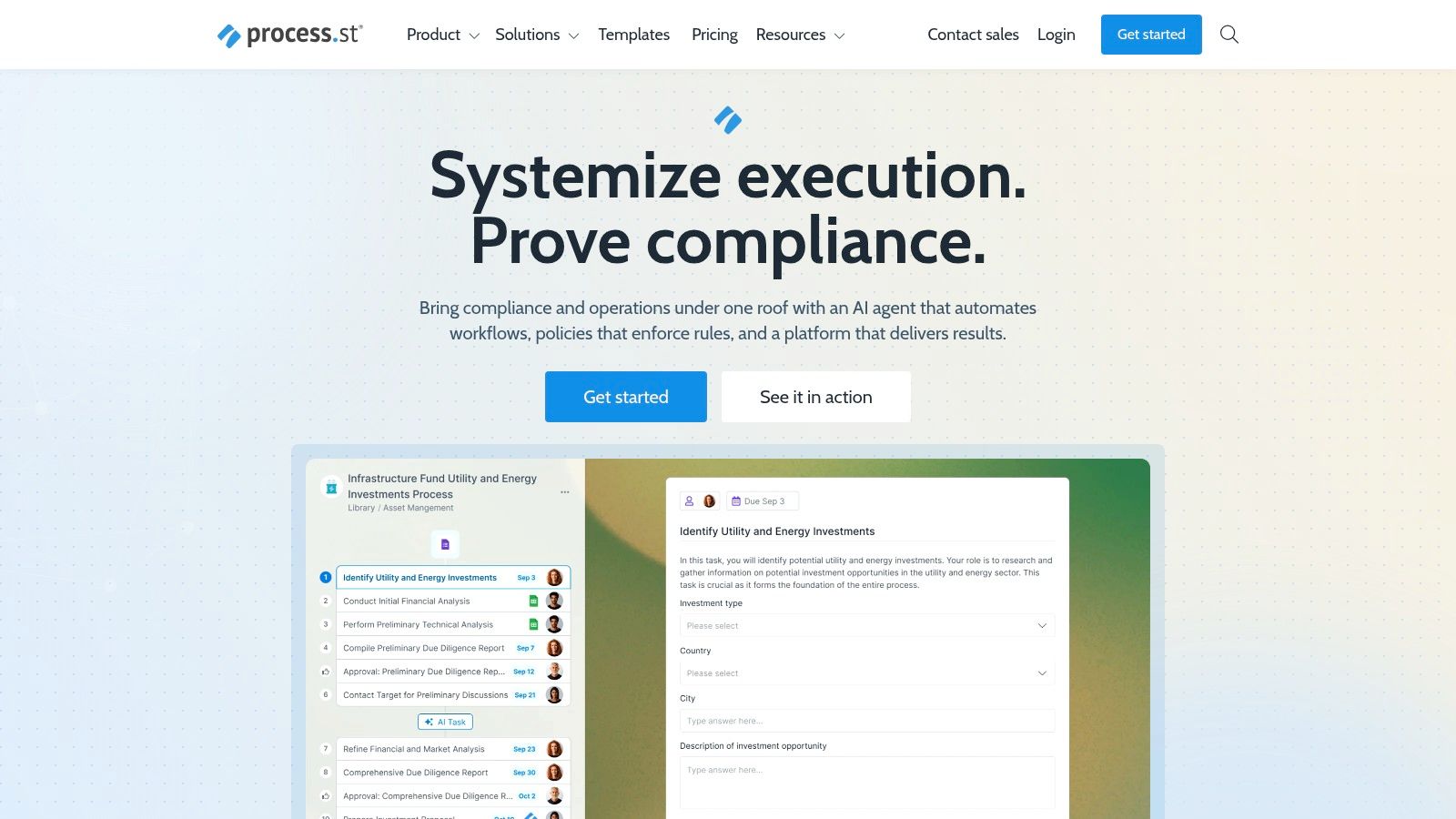
This platform is ideal for operations-heavy teams where procedural adherence is non-negotiable. Its interface combines a "Pages" feature for storing traditional SOPs with executable "Workflows" that guide users through tasks step-by-step. The ability to embed rich media, forms, and conditional logic directly into a checklist run is a standout feature, ensuring processes adapt to real-time inputs without manual intervention.
Key Features, Pricing, and Use Cases
Best For: Operations teams standardizing compliance procedures, HR departments managing repeatable employee lifecycle workflows, and agencies ensuring consistent project delivery.
Key Features: Interactive checklists with conditional logic, task assignments and approvals, dynamic due dates, scheduled and recurring workflow runs, and extensive integrations via Zapier and webhooks.
Pricing: Pricing is quote-based and requires contacting their sales team. They offer different tiers tailored to team size and feature requirements, with a focus on enterprise and growing teams.
Process Street is more than a documentation repository; it's a process management engine. This makes it potentially overkill for teams that only need a simple wiki or a static knowledge base. However, for those who need to guarantee that their documented procedures are followed correctly, its controlled execution and detailed reporting are invaluable. You can build on its structured approach by reviewing a detailed standard operating procedure template to organize your initial process content.
Website: https://www.process.st
5. SweetProcess
SweetProcess is designed for small and medium-sized businesses that need a straightforward, all-in-one system for creating, managing, and tracking Standard Operating Procedures (SOPs), processes, and policies. It prioritizes simplicity and adoption, making it one of the most approachable process documentation tools for non-technical teams. The platform combines documentation with task management, allowing you to not only document a process but also assign and track its execution. This closes the loop between having a procedure and ensuring it's followed correctly.
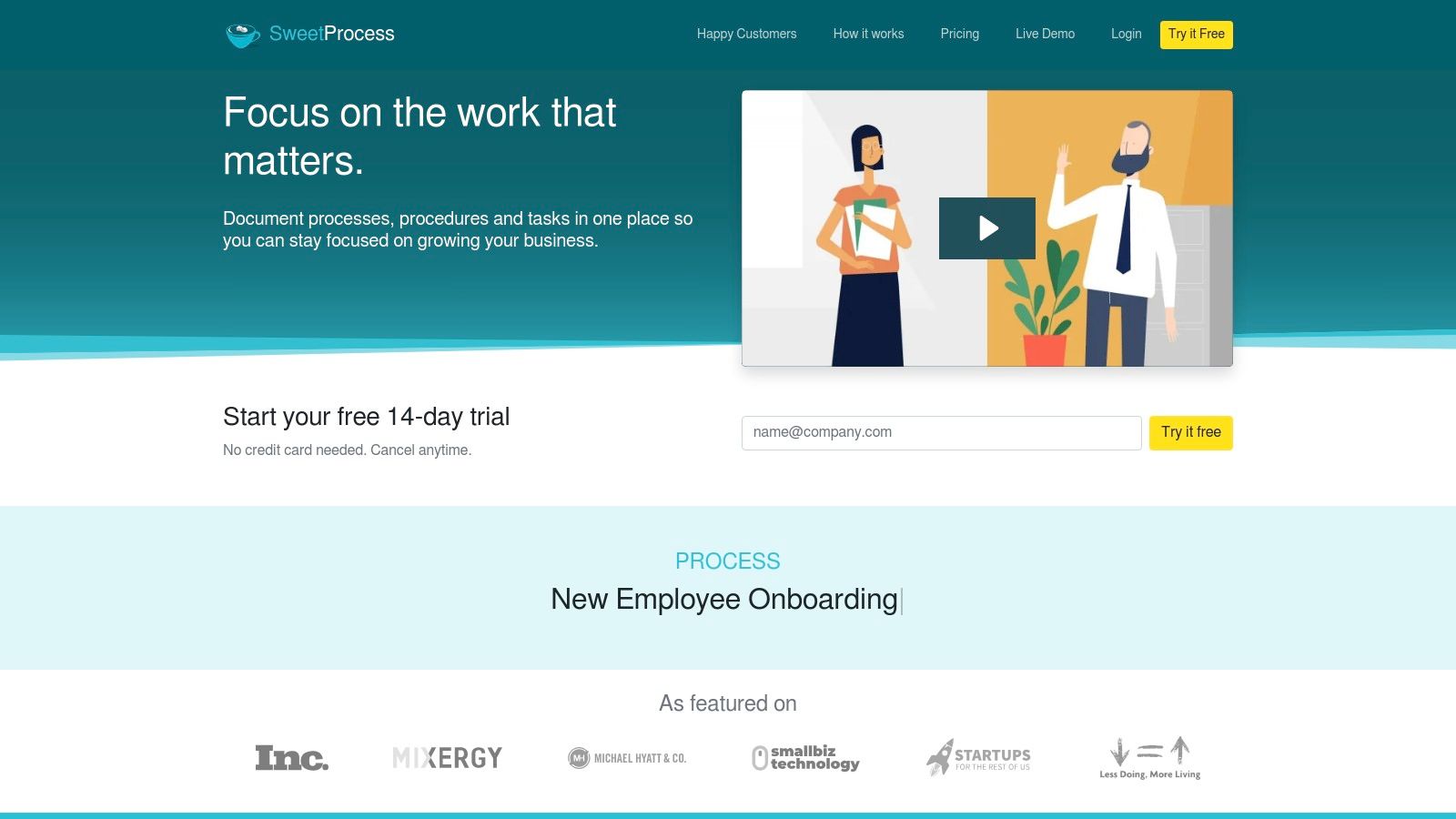
This tool is particularly well-suited for businesses transitioning from scattered Word documents or wikis into a more structured system. Its migration assistance and Word import features are standout benefits that ease this transition. The focus is less on complex automation and more on creating a central, actionable source of truth that employees can easily access and use in their daily tasks, turning static documents into active workflows.
Key Features, Pricing, and Use Cases
Best For: Operations managers in SMBs, franchise owners standardizing procedures across locations, and teams needing to document processes and track their completion.
Key Features: Integrated knowledge base for internal or external use, process maps, version history for tracking changes, and Word document import for easy migration.
Pricing: SweetProcess has a simple, transparent plan that costs $99/month for a team of up to 20 active members, plus a flat $5/month for each additional active member. A 14-day free trial is available.
SweetProcess shines in its blend of documentation and task management, offering an easy-to-learn interface. Its pricing model is great for teams of up to 20 but can feel expensive for very small teams needing only a few seats. While it lacks the advanced BPM capabilities of more complex platforms, its strength lies in its usability and focus on making documentation a practical, integrated part of a team's daily operations.
Website: https://www.sweetprocess.com
6. Trainual
Trainual transforms process documentation into a scalable training and onboarding system. It goes beyond simple document creation by integrating SOPs with organizational structure, accountability tracking, and learning management. This platform is designed for businesses that need to not only document their processes but also ensure they are being learned, followed, and updated consistently. Its core value is bridging the gap between having a process and having a team that is fully trained on that process.
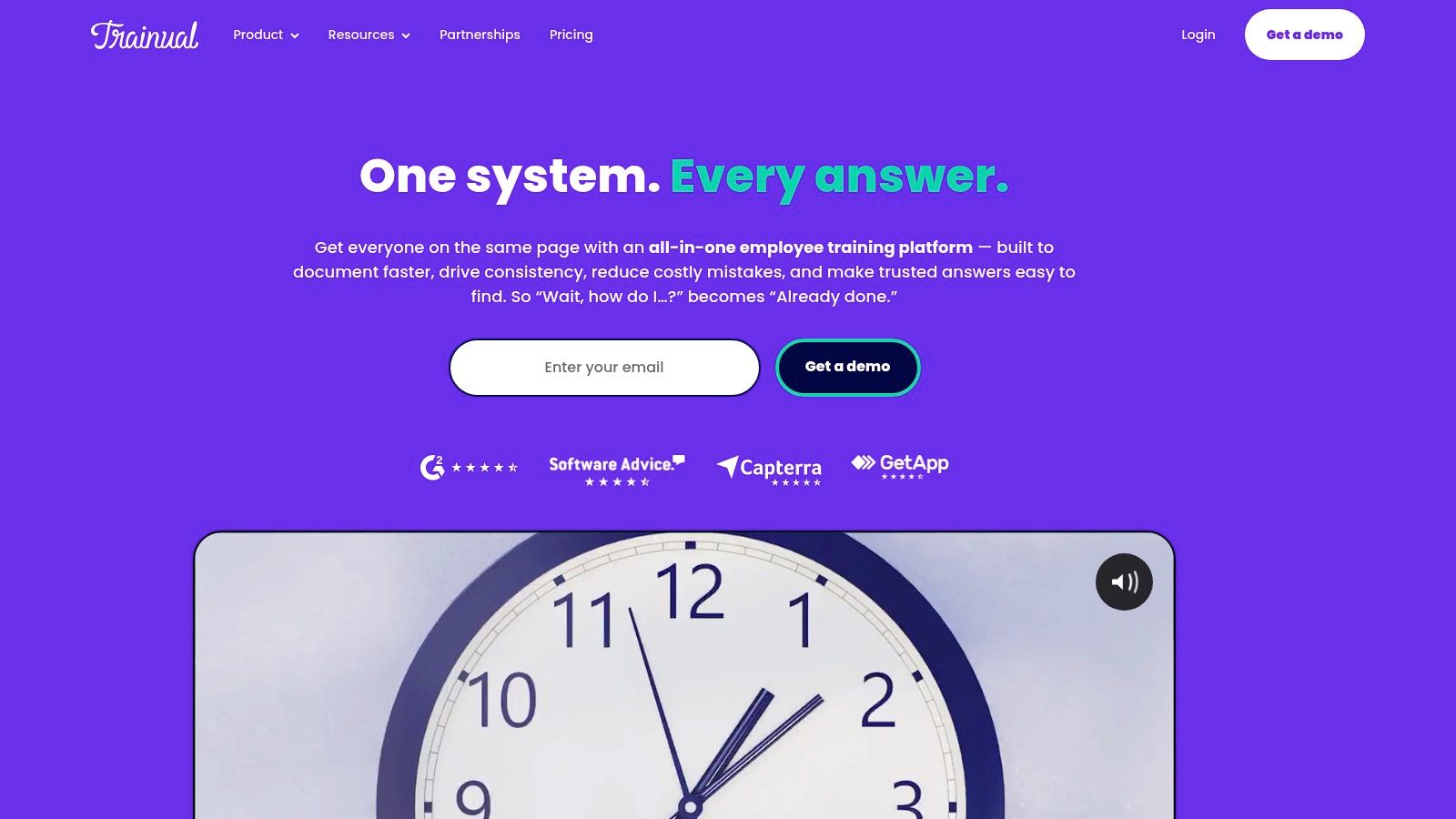
This tool is exceptionally well-suited for growing companies aiming to standardize operations and build a repeatable training playbook. The user interface neatly organizes content into subjects, topics, and steps, making complex operations digestible. What sets it apart is its focus on the end-user's learning experience, with features like quizzes and e-signatures to verify comprehension and compliance. It’s one of the few process documentation tools built specifically for training and accountability.
Key Features, Pricing, and Use Cases
Best For: HR departments building comprehensive onboarding programs, operations managers standardizing company-wide procedures, and franchise businesses ensuring consistency across locations.
Key Features: AI-assisted documentation creation, integrated quizzes and e-signatures, roles and responsibilities builder, organizational charts, and SCORM support.
Pricing: Trainual's plans are sales-led, with pricing tailored to team size and needs. A mandatory one-time implementation fee is required for setup and support.
Trainual excels as an all-in-one system for documentation, training, and compliance tracking. Its strength lies in ensuring that documented processes are actually put into practice. However, its comprehensive nature and the mandatory implementation fee might be more than what a small team just starting with documentation needs. It is less of a quick guide creator and more of a complete business playbook platform.
Website: https://trainual.com
7. Atlassian Confluence (Cloud)
Atlassian Confluence is a dominant force in the corporate world, serving as a powerful, centralized knowledge base and wiki. It excels at creating, organizing, and discussing work, making it a go-to platform for building comprehensive process documentation libraries. Its strength lies in its structured environment where teams can create dedicated "spaces" for different departments or projects, filled with interconnected pages for SOPs, project plans, and meeting notes. The platform is built for deep, long-form documentation that requires context and collaboration.
Confluence's deep integration with Jira is its standout feature, creating a seamless workflow between project execution and documentation. This synergy allows teams to embed Jira issues directly into Confluence pages, providing a live link between the "why" of a process and the "how" of its execution. This connection makes it one of the most robust process documentation tools for software development, IT, and engineering teams already embedded in the Atlassian ecosystem.
Key Features, Pricing, and Use Cases
Best For: Enterprise-level organizations, engineering and IT teams, and companies already using Jira for project management.
Key Features: Advanced page versioning and history, granular permissions, extensive template library, powerful search, and deep integration with Jira and the Atlassian Marketplace.
Pricing: A free plan is available for up to 10 users. Standard starts at $6.05/user/month, and Premium at $11.55/user/month, offering advanced features like analytics, team calendars, and unlimited storage.
While Confluence is incredibly powerful for building a structured knowledge base, its complexity can be a barrier for smaller teams seeking a lightweight solution. The initial setup and ongoing governance require a dedicated administrator to be effective. However, for organizations needing enterprise-grade security, scalability, and an all-in-one documentation hub, Confluence is a proven and reliable choice.
Website: https://www.atlassian.com/software/confluence
8. Notion
Notion has evolved into a powerhouse for knowledge management, serving as a flexible, all-in-one workspace where teams build wikis, manage projects, and document processes. Its core strength lies in its blend of unstructured pages and structured databases. This allows teams to create dynamic SOP libraries where procedures are not just static documents but interconnected assets linked to projects, tasks, and team members. Its adaptability makes it one of the most versatile process documentation tools for building a centralized knowledge hub from the ground up.
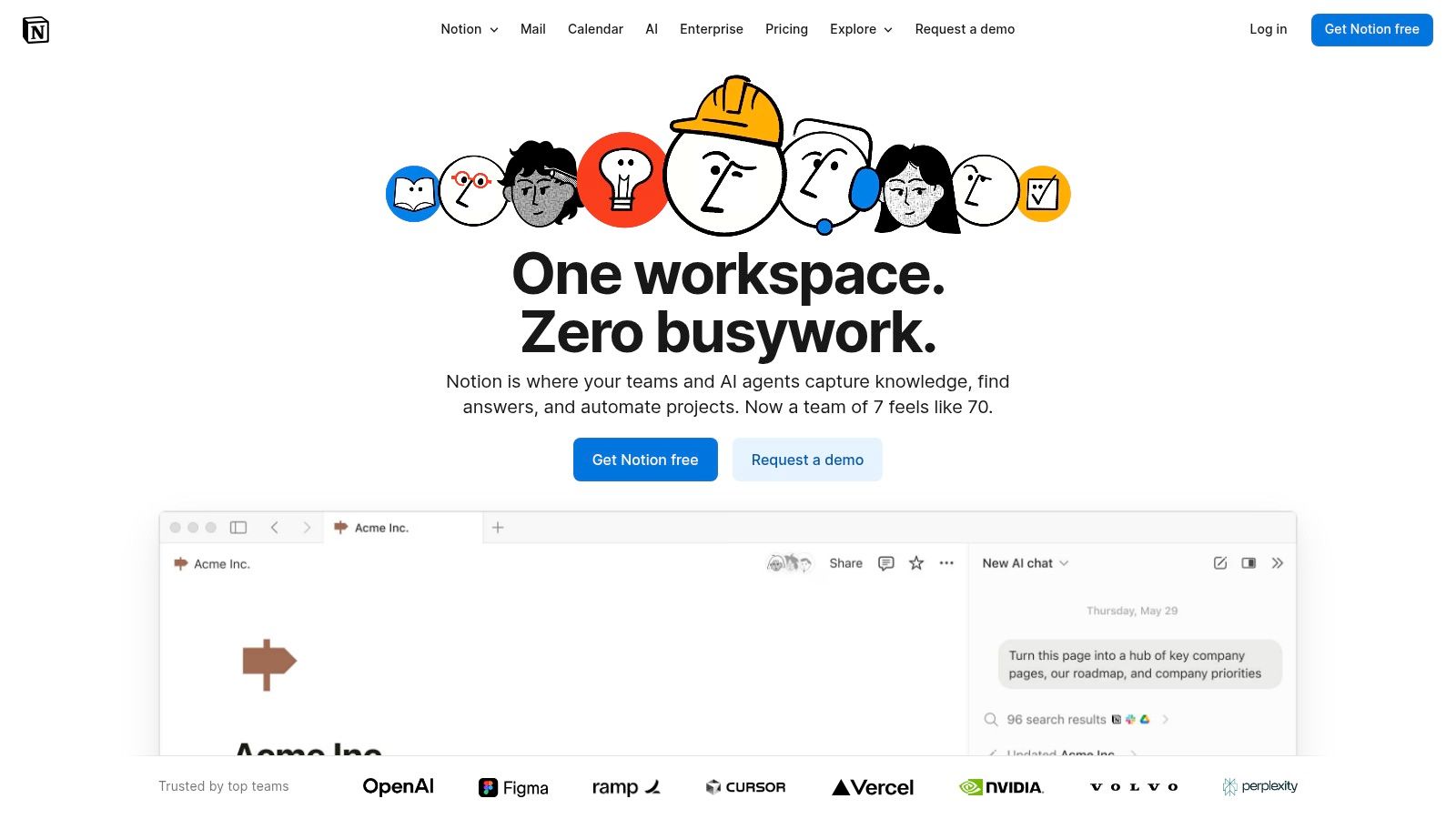
This tool is ideal for teams that value customization and want their documentation to live alongside their daily work. The user experience is clean and modern, encouraging widespread adoption. The ability to create templates for different types of processes standardizes documentation efforts across the organization, while the collaborative editing features ensure that all stakeholders can contribute in real-time.
Key Features, Pricing, and Use Cases
Best For: Startups and SMBs building their first knowledge base, agencies creating client portals with embedded SOPs, and product teams documenting internal runbooks and development workflows.
Key Features: Interlinked pages and databases for structured SOP catalogs, an extensive library of official and community-built templates, real-time collaboration, and generous guest access on paid plans for sharing with clients or contractors.
Pricing: A generous Free plan is available for individuals. The Plus plan (starting at $8/user/month) is best for small groups. The Business plan ($15/user/month) adds advanced security features like private teamspaces.
Notion excels as a highly adaptable documentation repository, but it is not a purpose-built process management tool. It lacks features like formal approval workflows or process adherence tracking found in dedicated BPM software. As content grows, it requires disciplined administration to prevent disorganization and content sprawl. Its strength is in its flexibility and low cost of entry, making it an excellent foundation for a company's process documentation efforts.
Website: https://www.notion.so
9. ClickUp Docs
ClickUp Docs brings process documentation directly into the heart of your project management ecosystem. Instead of housing SOPs in a separate system, it embeds them within the ClickUp platform, allowing you to link documents directly to the tasks, projects, and workflows they support. This tight integration means your team's documented procedures live right alongside their daily operational work, creating a single source of truth for both planning and execution. The core value is its contextual power; documentation isn't an afterthought but an active part of the workflow.
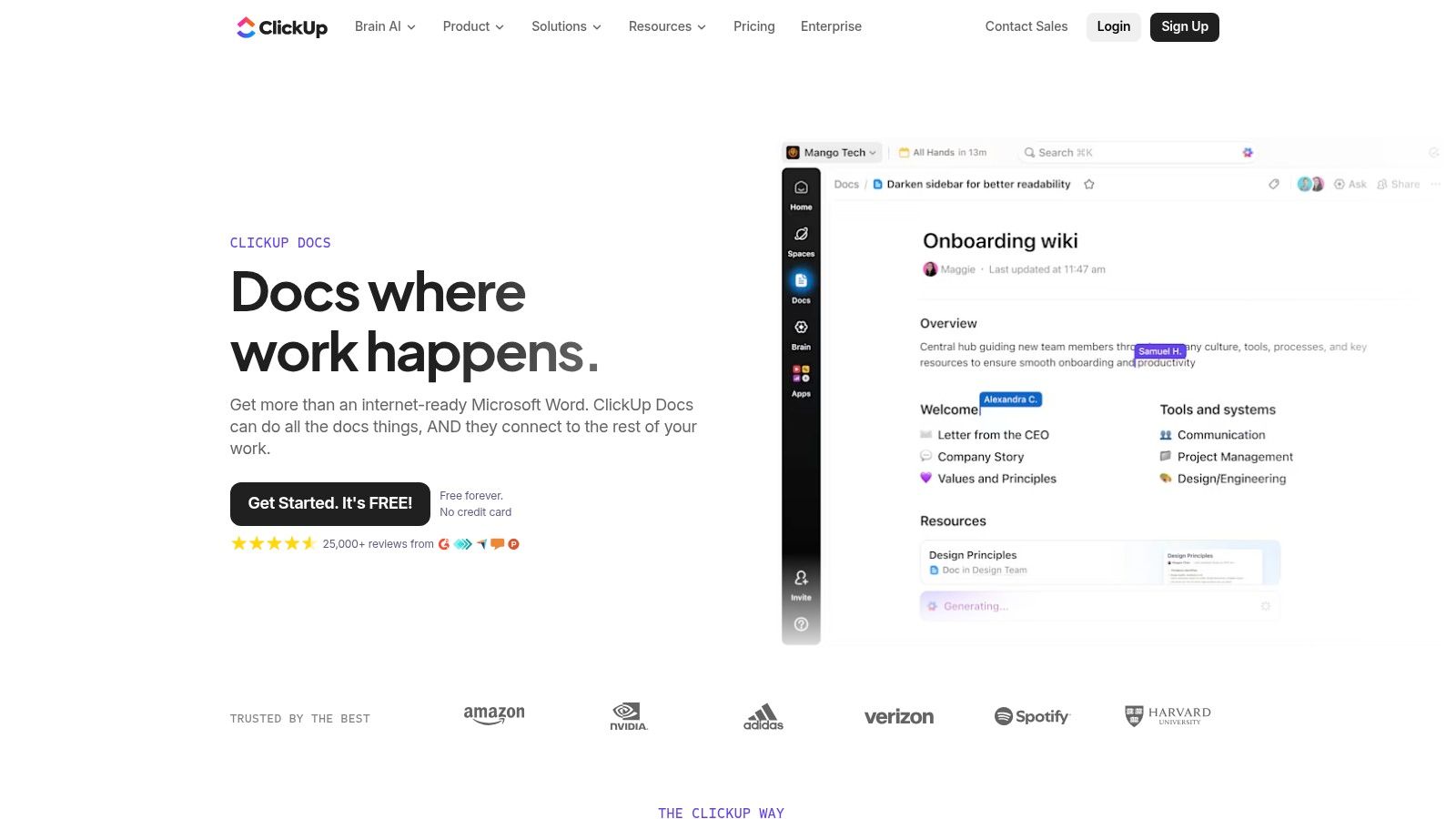
This tool is ideal for teams already using or considering ClickUp for project management who want to consolidate their tool stack. By connecting wikis and guides to assignees and due dates, it transforms static documents into actionable items. The ability to highlight text and instantly create a task from it is a standout feature, bridging the gap between outlining a process and assigning responsibility for its execution.
Key Features, Pricing, and Use Cases
Best For: Operations teams centralizing SOPs and project execution, marketing agencies connecting campaign briefs to tasks, and development teams linking technical specs to sprints.
Key Features: Real-time collaborative editing, bi-directional linking between docs and tasks, nested pages for wiki-style organization, and assignable comments and action items.
Pricing: Docs are available on the Free Forever plan. Paid plans (starting at $7/user/month) unlock advanced features like custom permissions, unlimited storage, and more integrations.
ClickUp Docs excels as an integrated solution, offering incredible value if you’re committed to its all-in-one platform. Its strength is how it makes documents a dynamic part of project management. However, its full benefits are only realized when you adopt the broader ClickUp ecosystem. For teams seeking a standalone knowledge base or a tool with dedicated process adherence features like mandatory checklists, other process documentation tools might be more suitable.
Website: https://clickup.com/features/docs
10. ProcedureFlow
ProcedureFlow is a specialized process documentation tool designed for organizations with complex, high-stakes operations. Instead of traditional text-based documents, it uses visual flowcharts to guide employees through procedures step-by-step, making it ideal for contact centers, financial institutions, and other regulated industries where accuracy is critical. The platform’s core philosophy is that visual navigation reduces cognitive load and improves adherence, allowing agents to find the correct information while actively engaged in a task, like a live customer call.
This tool stands out for its high-touch, white-glove onboarding and change management support. ProcedureFlow doesn't just provide software; it partners with teams to ensure successful adoption and process transformation. Its focus on visual, easy-to-follow flows makes it one of the most effective process documentation tools for environments where mistakes are costly and speed-to-competency for new hires is a key metric.
Key Features, Pricing, and Use Cases
Best For: Large contact centers, insurance carriers, financial services firms, and utility companies that need to enforce strict procedural compliance and reduce employee training time.
Key Features: Visual step-by-step flowcharts, small, digestible steps for easy following, AI Process Designer to convert text into flows, and dedicated adoption and training packages.
Pricing: ProcedureFlow does not offer public pricing or a self-serve free trial. Access is provided through a sales-led demo and pilot program, tailored to enterprise needs.
ProcedureFlow is purpose-built for operational excellence in complex settings. While its specialized nature and mandatory onboarding process make it a heavier lift than more general-purpose tools, its impact on accuracy and efficiency in its target industries is significant. It is not designed as a simple wiki but as an active guidance system embedded within daily workflows.
Website: https://procedureflow.com
11. G2 – Standard Operating Procedures (SOP) Software Category
While not a documentation tool itself, G2's category for Standard Operating Procedures (SOP) Software is an essential research hub. It acts as a B2B marketplace where you can compare dozens of process documentation tools based on verified user reviews, market presence, and satisfaction scores. Instead of relying solely on marketing materials, G2 provides a real-world perspective on how these platforms perform for different company sizes and industries, helping you validate your shortlist or discover emerging vendors.
This platform is invaluable for conducting due diligence before committing to a new tool. The side-by-side comparison feature and detailed user reviews allow you to quickly identify key differentiators, potential limitations, and the true user experience of a product. G2's signature Grid® report visually maps out leaders, contenders, and niche players, offering a quick yet comprehensive overview of the market landscape. This empowers teams to make a data-driven decision rather than a gut choice.
Key Features, Pricing, and Use Cases
Best For: Operations managers and IT leaders evaluating multiple software options, consultants researching solutions for clients, and any team wanting to vet vendor reputation before purchase.
Key Features: Filterable user reviews by company size and role, Grid® rankings for market comparison, side-by-side feature comparisons, and direct links to vendor websites for demos or trials.
Pricing: Free to browse and research.
G2 is a powerful starting point, but it's important to use it critically. Be mindful that sponsored placements can affect visibility, and review quality can vary. The best approach is to use G2 to build a shortlist of 3-5 tools, then use that information to conduct your own hands-on trials and demos. This balances crowd-sourced wisdom with your team's specific needs.
Website: https://www.g2.com/categories/standard-operating-procedures
12. Capterra – Policy & Procedure / SOP-related Listings
Capterra serves as a comprehensive software directory rather than a singular tool, but its value in the discovery phase is undeniable. It provides extensive listings, user reviews, and buyer guides for hundreds of solutions that fall under the umbrella of policy, procedure, and SOP management. This makes it an essential starting point for teams looking to compare different process documentation tools side-by-side based on real-world feedback and detailed feature sets. The platform’s strength lies in its ability to aggregate and categorize a fragmented market, helping you discover niche software you might otherwise miss.
This resource is invaluable for operations managers, IT leaders, or consultants tasked with shortlisting vendors. The sheer volume of verified user reviews provides authentic insights into a tool’s usability, customer support, and true cost. While it's not a tool for creating documentation itself, Capterra streamlines the crucial research and selection process, saving significant time and reducing the risk of choosing the wrong platform.
Key Features, Pricing, and Use Cases
Best For: Teams in the research and procurement phase, consultants evaluating solutions for clients, and managers building a business case for a specific tool.
Key Features: Extensive categories for SOP and policy management, verified user reviews and ratings, detailed feature comparison matrices, and buyer guides with market trends.
Pricing: Free to use for research and discovery. Pricing for individual software tools is often listed or available via a link to the vendor’s site.
Capterra’s main limitation is that it’s an aggregator, not a creator; you still need to visit vendor websites for the most accurate, up-to-date information. Also, be aware of sponsored placements that can influence search rankings. A practical tip is to search across related categories like "Knowledge Management" and "Standard Operating Procedures" to get a complete view of the landscape.
Website: https://www.capterra.com
Top 12 Process Documentation Tools Comparison
Product | Core features | UX / Quality (★) | Value / Pricing (💰) | Target audience (👥) | Unique selling point (✨) |
|---|---|---|---|---|---|
🏆 Build a Guide | AI video→SOP, browser recording, editor, engagement analytics | ★★★★★ | 💰 Start Free; agency/enterprise plans via sales | 👥 CS, Support, Ops, Agencies | ✨ Auto-extract steps/screenshots, multi-hub publishing, real-time co-edit |
Scribe | One-click capture → step guides, exports, sharing | ★★★★☆ | 💰 Great value for small teams; exports on paid plans | 👥 Small teams, consultants, support reps | ✨ Fast capture-to-guide; branding & redaction tools |
Tango | Click-capture, desktop, guided walkthroughs, agents | ★★★★☆ | 💰 Generous free tier; Enterprise can be costly | 👥 Small teams → Enterprise seeking in-app guidance | ✨ Path from docs to in-app guidance & automation |
Process Street | Executable checklists, approvals, conditional logic | ★★★★☆ | 💰 Quote-based / sales-led | 👥 Ops, QA, Compliance teams | ✨ Auditable "runs" with strong process controls |
SweetProcess | Knowledge base, process maps, migration, versioning | ★★★★☆ | 💰 Transparent active-member pricing (SMB-friendly) | 👥 SMBs, non-technical teams | ✨ Simple pricing + migration assistance |
Trainual | AI docs, training paths, quizzes, e-signatures, SCORM | ★★★★☆ | 💰 Sales-led plans; one-time implementation fee | 👥 HR, Onboarding, Compliance teams | ✨ Combined SOP + training + accountability tools |
Atlassian Confluence (Cloud) | Enterprise wiki, templates, permissions, integrations | ★★★★☆ | 💰 Per-user pricing; scales with Premium/Enterprise | 👥 Enterprises, Jira users, IT orgs | ✨ Enterprise governance & ecosystem integrations |
Notion | Pages + databases, templates, collaborative editing | ★★★★☆ | 💰 Low-cost entry; generous guest limits | 👥 Startups, SMBs, cross-functional teams | ✨ Highly flexible docs & community templates |
ClickUp Docs | Real-time docs linked to tasks, comments, Docs Hub | ★★★★☆ | 💰 Included with ClickUp plans — best if already onboard | 👥 Teams using ClickUp / project teams | ✨ Tight linkage between SOPs and operational tasks |
ProcedureFlow | Visual flow-based SOPs, AI designer, change mgmt | ★★★★☆ | 💰 No public pricing — sales / pilots | 👥 Regulated industries (finance, insurance, contact centers) | ✨ Visual flows + white-glove onboarding for accuracy |
G2 – SOP Category | Side-by-side comparisons, reviews, Grid rankings | ★★★★☆ | 💰 Free to use; sponsored listings exist | 👥 Buyers researching SOP vendors | ✨ Market rankings & user-driven reviews for vetting |
Capterra – SOP Listings | Vendor listings, buyer guides, price callouts | ★★★★☆ | 💰 Free to browse; vendor price data varies | 👥 Buyers shortlisting software | ✨ Large review volume + price visibility on many listings |
Choosing the Right Tool to Build Your Company Playbook
Navigating the crowded landscape of process documentation tools can feel overwhelming. We've explored a wide spectrum of solutions, from lightning-fast automatic SOP generators like Scribe and Build a Guide to robust workflow management systems such as Process Street, and even flexible, all-in-one knowledge hubs like Notion and Confluence. The central takeaway is clear: there is no single "best" tool, only the tool that is best suited for your team’s specific job-to-be-done.
The core challenge isn't just capturing information; it's about making that information accessible, actionable, and easy to maintain. Your choice will ultimately hinge on the balance you need between speed of creation, depth of control, and integration with your existing workflows. For a customer support team needing to create dozens of visual guides weekly, an automated screen-capture tool is a game-changer. Conversely, an operations team managing complex, multi-stage compliance checklists requires a platform built around structured workflows and approvals.
Final Recommendations by Primary Need
To simplify your decision, let's distill our findings into a final recommendation matrix. Consider which of these primary objectives most closely aligns with your immediate goals:
For Fastest SOP Creation and Visual Guides: If your priority is turning screen-based tasks into step-by-step guides with maximum speed and minimal effort, your best bets are the automated capture tools. These are ideal for teams that need to produce high volumes of "how-to" content for internal training or customer support.
Top Choices: Build a Guide, Scribe, Tango
For Auditable & Recurring Workflows: When you need more than just a static document, look to platforms that manage structured, repeatable processes. These tools are built for accountability, featuring checklists, conditional logic, and clear audit trails for tasks in HR, finance, and operations.
Top Choices: Process Street, Trainual, SweetProcess
For Integrating Documentation with Project Management: For teams whose documentation lives alongside active projects and tasks, embedding your knowledge base directly into your project management hub is key. This approach centralizes information and reduces context-switching.
Top Choices: ClickUp Docs, Atlassian Confluence
For Maximum Flexibility and Knowledge Management on a Budget: If you need a versatile, powerful, and cost-effective solution that can serve as a company-wide wiki, internal knowledge base, and light project manager, a flexible workspace tool is unbeatable.
Top Choices: Notion
Your Next Step: From Selection to Action
Selecting the right software is just the first step. True success with any of these process documentation tools comes from consistent implementation. Don't fall into the trap of trying to document everything at once. This leads to burnout and abandoned initiatives.
Instead, start small. Identify one single process this week that is a constant source of questions, a frequent bottleneck, or a critical part of your onboarding flow. Use a free trial of one of the recommended tools to document that one process from start to finish. This small win will build momentum and demonstrate the immediate value of structured documentation to your team.
Remember, building a comprehensive company playbook is a marathon, not a sprint. The right tool acts as your pacer, making each step easier and more efficient. By committing to this practice, you are making a compounding investment in your organization's clarity, efficiency, and long-term scalability. The effort you put in today will pay dividends for years to come, freeing up your team's time and mental energy to focus on what truly matters: innovation and growth.
Ready to turn complex tasks into simple, shareable video guides in seconds? Build a Guide uses AI to automatically create polished process documentation from a screen recording, complete with chapters, summaries, and transcripts. Stop explaining and start showing by trying out Build a Guide today.