
January 19, 2026
The 12 Best Process Documentation Software Options for 2026
Discover the top process documentation software of 2026. Compare features, pricing, and use cases to find the perfect tool for your team's needs.
Unwritten rules and 'shoulder tap' training can only get a team so far. As organizations scale, relying on this tribal knowledge leads to inconsistency, slower onboarding, and costly errors. The solution isn't just writing things down; it's adopting a system that makes creating, sharing, and maintaining standard operating procedures (SOPs) seamless and scalable.
This guide dives deep into the top process documentation software platforms available today. We move beyond generic feature lists to provide a comprehensive, feature-by-feature comparison. We analyze best-fit use cases for teams like yours, whether you're a creative agency delivering SOPs to clients, a customer success manager documenting product workflows, or an HR department standardizing onboarding. To effectively move beyond tribal knowledge and establish a robust system, it's essential to understand the overarching best practices for knowledge management. This framework will help you select and implement the right tool for maximum impact.
Here, you'll find an in-depth analysis of 12 leading solutions, from AI-powered screen capture tools that turn workflows into step-by-step guides automatically to robust platforms designed for enterprise-level compliance. Each review includes:
Honest pros and cons based on real-world application.
Specific use-case recommendations for agencies, CSMs, HR, and product teams.
Detailed pricing breakdowns to match your budget.
Direct links and screenshots to see each platform in action.
Our goal is to help you find the process documentation software that transforms your internal processes from a liability into a competitive advantage. Let's find the perfect fit for your team.
1. Build a Guide
Best for AI-powered video-to-SOP conversion and scalable client delivery.
Build a Guide stands out in the process documentation software landscape by tackling the most significant barrier to creating SOPs: the time and effort required for manual capture. Its core strength lies in its proprietary AI, which automatically converts screen recordings into polished, step-by-step interactive guides. This unique video-first approach fundamentally changes the documentation workflow, making it an excellent choice for teams that need to produce high-quality guides quickly and at scale.
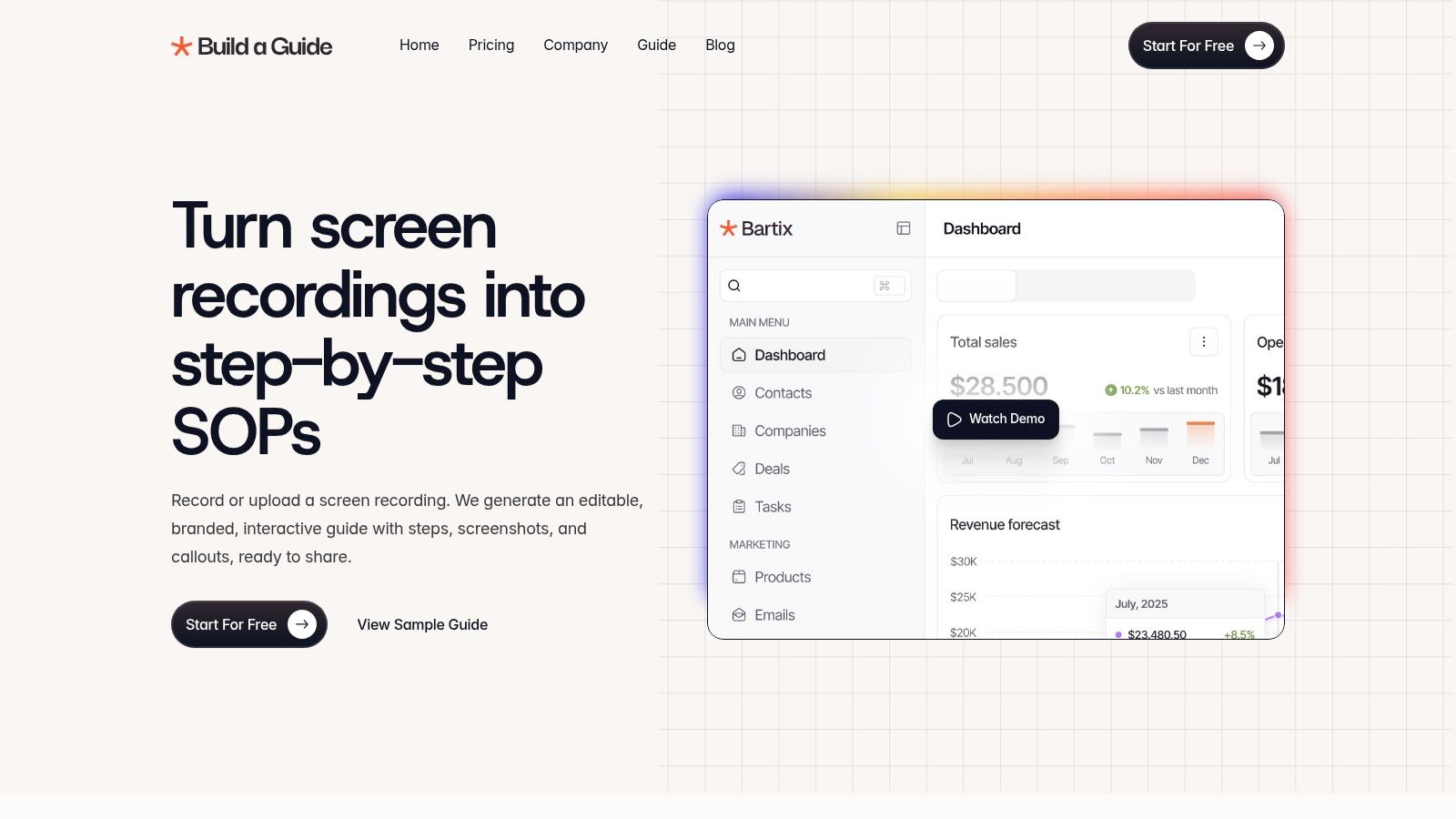
The platform is particularly well-suited for agencies, consultants, and customer-facing teams who need to deliver professional-looking documentation. Instead of just exporting a static PDF, users can publish guides to branded hubs or a custom domain, ensuring a seamless brand experience for clients and end-users. This focus on polished output elevates standard operating procedures from internal documents to valuable, shareable assets. For a deeper dive into the fundamentals, Build a Guide offers resources to help teams understand what process documentation is and how to implement it effectively.
Key Features & Use Cases
AI-Powered Conversion: Record your screen or upload a video, and the AI automatically generates a guide with screenshots, callouts, and written steps. This is a game-changer for operations leads and support specialists who need to document complex digital workflows without spending hours on manual screen capture and annotation.
Branded Publishing Hubs: Create multiple, distinct knowledge hubs for different clients or internal departments. An agency can manage SOP libraries for ten different clients from a single account, each with its own branding and custom domain.
Real-Time Collaboration: The platform supports co-editing and contextual comments, allowing distributed teams or agency-client partnerships to refine guides together. This eliminates version control issues and streamlines the feedback loop.
Engagement Analytics: Track views, completion rates, and user interaction hotspots to see which guides are effective and where users get stuck. A customer success manager can use this data to proactively improve onboarding materials and reduce support tickets.
Pricing & Onboarding
Build a Guide offers a "Start For Free" option, allowing teams to experience the entire workflow from recording to a published guide. Specific pricing tiers are not detailed on the main product page, so larger teams or those with enterprise requirements should contact their sales team for detailed plan information.
Pros & Cons
Pros | Cons |
|---|---|
Rapid, AI-driven creation significantly reduces the time it takes to produce detailed, accurate process guides. | AI output requires review; complex or nuanced workflows may need manual edits to ensure 100% accuracy and clarity. |
Professional, brandable outputs are ideal for customer-facing documentation and agency client deliverables. | Limited public information on advanced integrations, security certifications, and enterprise-level pricing requires direct contact for evaluation. |
Excellent for scale with features like multi-hub management and real-time collaboration supporting distributed or client-facing teams. |
Website: https://buildaguide.app
2. Scribe
Scribe revolutionizes the creation of how-to guides by transforming any process you perform into a step-by-step document, complete with annotated screenshots and written instructions. Its primary advantage is speed; you simply activate the browser extension or desktop app, perform the task, and Scribe automatically captures every click and keystroke, compiling it into an editable guide in seconds. This makes it an exceptional piece of process documentation software for teams that need to create high-volume, task-based instructions without manual effort.
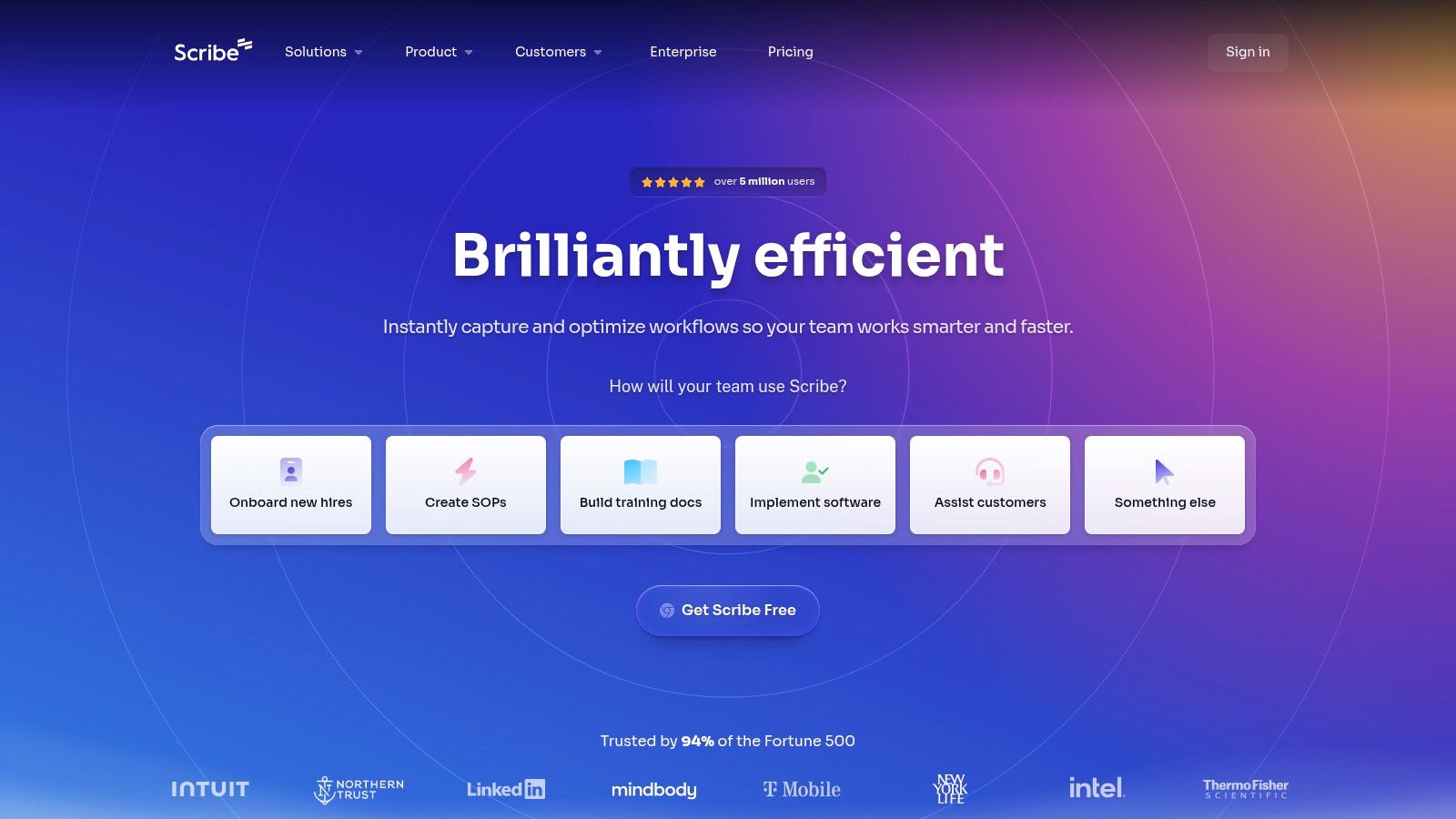
The platform is designed for low-friction sharing. Once a guide is created, you can share it via a direct link, embed it into a knowledge base, or export it to formats like PDF, HTML, and Markdown. This flexibility is ideal for customer success teams providing product walkthroughs or agencies delivering standard operating procedures (SOPs) to clients. For a deeper dive into its capabilities, you can find a detailed guide to creating documentation with Scribe.
Key Features and Use Cases
Best For: Rapidly creating visual, step-by-step guides for software workflows, customer onboarding, and internal training.
Automatic Capture: Records both browser and desktop application workflows, auto-generating text and screenshots.
Editing and Customization: Easily edit steps, add custom branding, and redact sensitive information directly within the platform.
Seamless Sharing: Share guides instantly with a link or embed them in tools like Confluence, Notion, or SharePoint.
Pricing and Limitations
Pricing: Scribe offers a free Basic plan with core features. Paid plans (Pro and Enterprise) unlock advanced capabilities like desktop capture, custom branding, and enhanced security controls.
Limitations: While unparalleled for "how-to" guides, Scribe is less suited for documenting complex, high-level policies or processes that don't follow a linear, click-based workflow. For those needs, it often works best as a component within a broader knowledge base system.
Website: https://scribe.com
3. Tango
Tango excels at converting web-based workflows into clean, minimalist how-to guides. Similar to other capture tools, it records your on-screen actions to auto-generate steps with corresponding screenshots. Where Tango stands out is with its "Guide Me" feature, an interactive overlay that provides in-app, on-screen guidance directly within another web application. This makes it a powerful piece of process documentation software not just for creating static SOPs but also for driving digital adoption and live training.
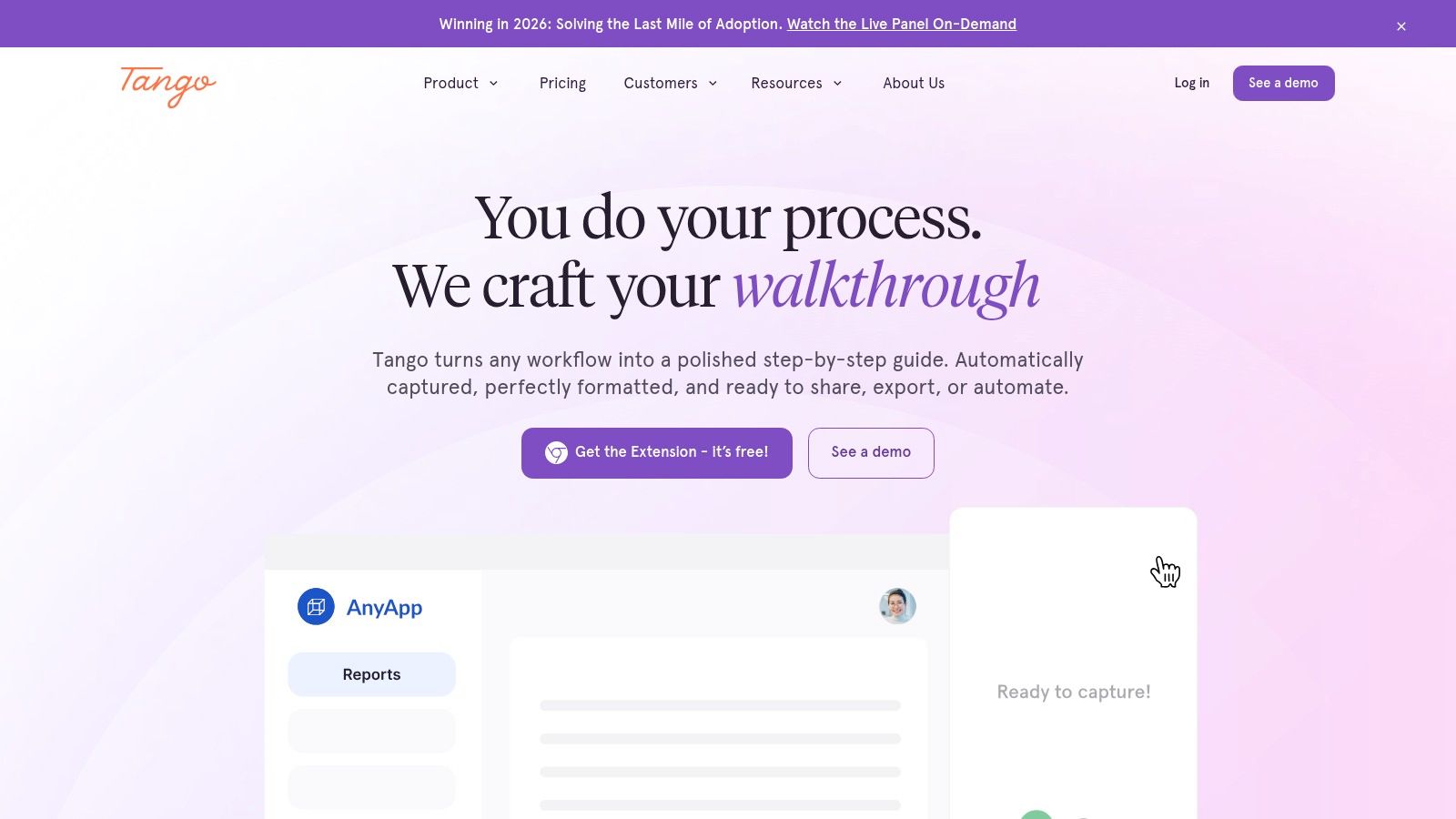
The platform is designed for clarity and ease of use, producing documentation that is simple for end-users to follow. For enterprises, Tango offers robust governance features, including SSO integration, role-based permissions, and automatic blurring of personally identifiable information (PII), ensuring that process documentation remains secure and compliant. This combination of straightforward guide creation and advanced interactive walkthroughs makes it a versatile choice for both internal teams and customer-facing support.
Key Features and Use Cases
Best For: Teams needing to create both static guides and interactive, on-screen walkthroughs for software training and digital adoption.
Workflow Capture: Automatically documents web-based processes with screenshots and instructions. Desktop capture is available on paid plans.
"Guide Me" Overlays: Provides live, step-by-step guidance directly within web applications to help users complete tasks (Enterprise plan).
Enterprise-Grade Security: Includes features like SSO/SCIM, advanced admin analytics, and automatic PII redaction for secure documentation management.
Pricing and Limitations
Pricing: A free plan is available but limits the number of shared workflows and users. Paid plans (Pro and Enterprise) unlock desktop capture, branded exports, and the "Guide Me" interactive overlays.
Limitations: The most powerful features, particularly the in-app guidance overlays and desktop capture, are locked behind higher-tier paid plans. The free version is best suited for individuals or very small teams with basic documentation needs.
Website: https://tango.ai
4. Trainual
Trainual is designed as an all-in-one system for businesses looking to centralize standard operating procedures (SOPs), company policies, and employee training. It moves beyond simple document creation by integrating accountability features like testing, e-signatures, and progress tracking. This positions it as powerful process documentation software for scaling SMBs that need to ensure new hires and existing team members are not just accessing information, but also understanding and acknowledging it. Its focus is on creating a single source of truth for how a business operates.
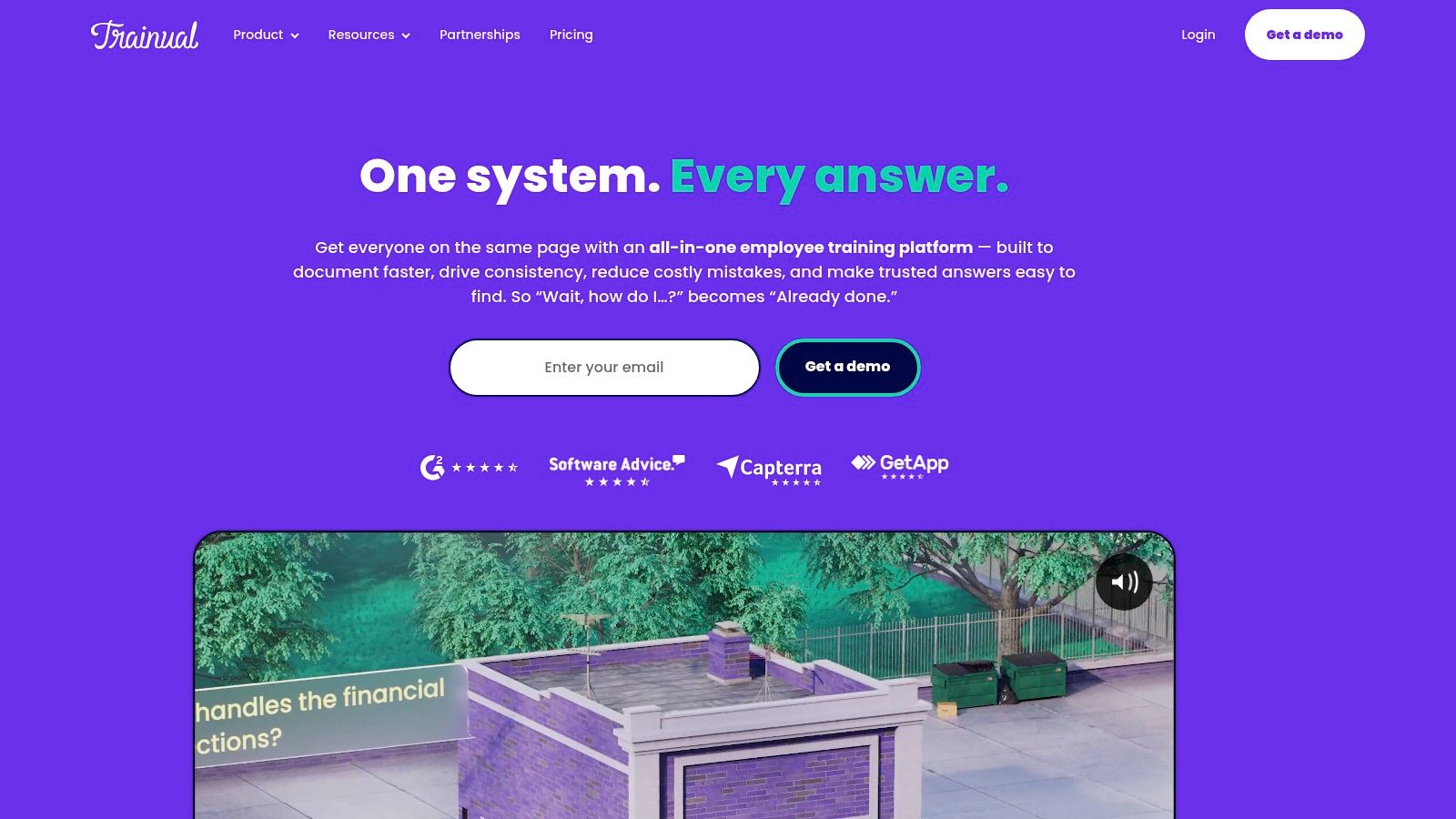
The platform combines documentation with structured learning paths, making it a strong fit for HR and operations departments tasked with standardizing onboarding and ensuring compliance. With built-in screen recording, AI-assisted content creation, and helpful templates, teams can quickly build out their company playbook. Integrations with HRIS and communication tools like Slack further embed its functionality into the daily workflow, making process adherence a seamless part of company culture.
Key Features and Use Cases
Best For: SMBs standardizing HR onboarding, scaling operations, and ensuring company-wide policy and process compliance.
Integrated Training & Accountability: Create training paths with tests, track employee progress, and capture e-signatures for policy acknowledgment.
Documentation Tools: Features templates, AI-assisted writing, and built-in screen recording to simplify content creation for SOPs and policies.
Organizational Structure: Includes tools for building org charts and accountability charts, linking roles directly to relevant processes.
Pricing and Limitations
Pricing: Trainual's pricing is primarily sales-led and customized based on team size and feature needs. A one-time implementation fee is also required for setup and onboarding.
Limitations: The platform can be more expensive than lightweight documentation tools, making it less suitable for teams with simple needs. Its strength lies in combining documentation with training, so businesses looking for a pure knowledge base may find the accountability features excessive for their use case.
Website: https://trainual.com
5. Process Street
Process Street excels by merging process documentation with workflow execution, making it a powerful choice for teams that need to not only define their processes but actively manage them. It allows you to create interactive checklists and workflows combined with a "Pages" feature for more traditional, wiki-style knowledge. This dual approach ensures that standard operating procedures are both documented and consistently followed, making it a unique piece of process documentation software for operational excellence.
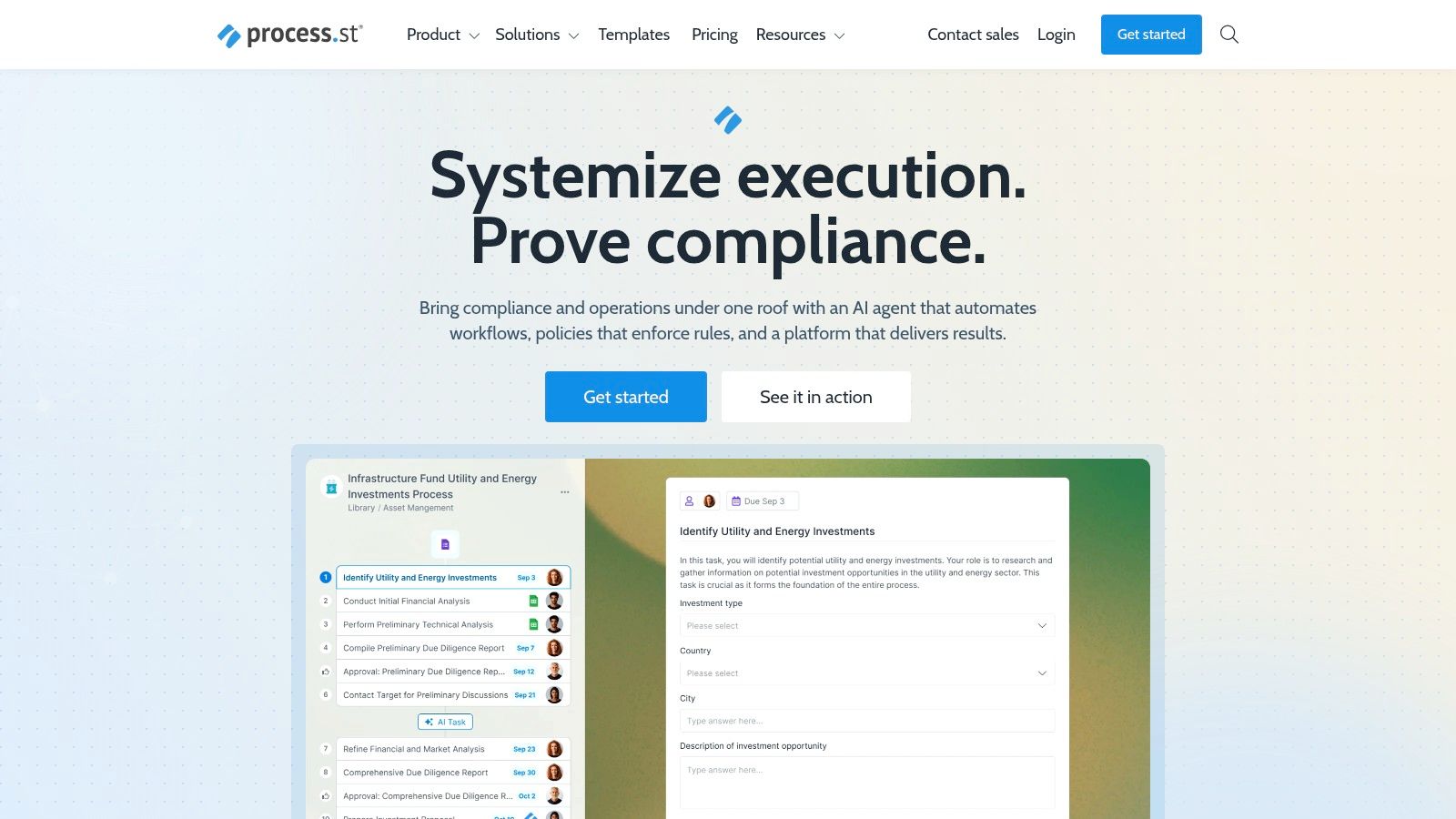
The platform is built for accountability and automation. Workflows can be equipped with conditional logic, dynamic due dates, role assignments, and approval steps, ensuring tasks are routed to the right people at the right time. Its enterprise-grade features, such as SOC 2 and HIPAA compliance, along with its availability in the AWS Marketplace, make it a procurement-friendly option for larger organizations. For those starting from scratch, you can review this in-depth guide on creating a standard operating procedure template to structure your initial documents.
Key Features and Use Cases
Best For: Operations, HR, and IT teams managing recurring, multi-stakeholder processes like employee onboarding, client intake, and compliance checks.
Interactive Workflows: Go beyond static documents with checklists that feature conditional logic, approvals, and integrations.
Pages for Knowledge: A built-in knowledge base feature to store static, long-form documentation alongside actionable workflows.
Enterprise Governance: Offers SSO/SCIM, robust API access, and compliance certifications to meet corporate security and data requirements.
Pricing and Limitations
Pricing: Process Street provides several tiers, but detailed pricing for higher-level plans often requires contacting their sales team.
Limitations: The platform is more focused on structured, repeatable checklists than free-form knowledge management. Advanced automation capabilities are typically reserved for its more expensive, higher-tier plans, which may be a barrier for smaller teams.
Website: https://process.st
6. SweetProcess
SweetProcess is a streamlined solution for documenting standard operating procedures (SOPs), policies, and recurring tasks in a centralized knowledge base. It excels at bridging the gap between static documentation and active task management, allowing teams to not only store processes but also assign and track related tasks directly within the platform. This makes it an effective piece of process documentation software for organizations focused on accountability and procedural compliance.
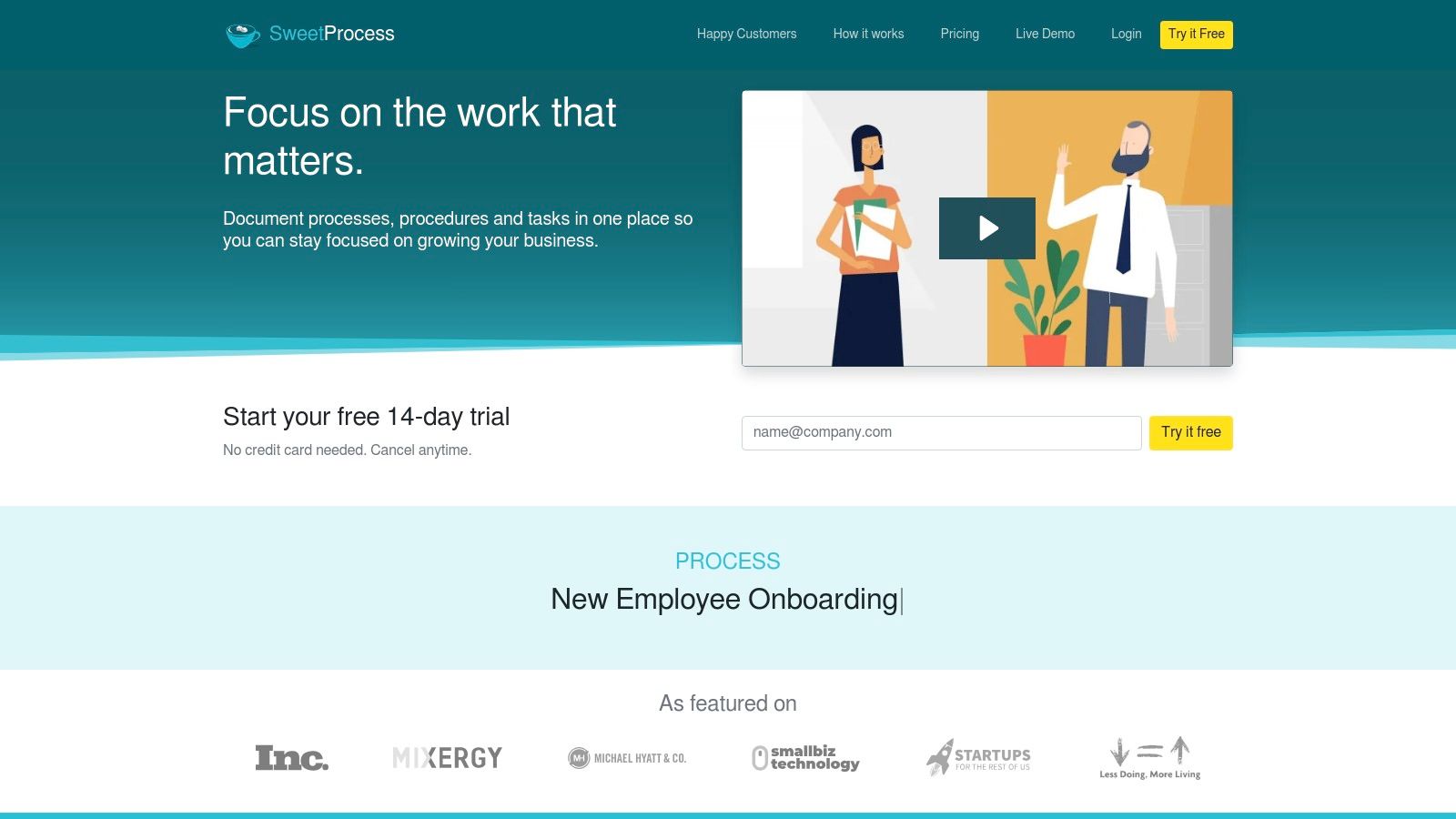
The platform's unique strength lies in its simplicity and transparent pricing model, which bundles nearly all features into a single tier billed by active members. This approach is ideal for growing teams that need powerful features like version control, process mapping, and task tracking without navigating complex, feature-gated pricing tiers. By enabling managers to assign tasks tied to specific procedures, SweetProcess ensures that documentation is actively used rather than just stored.
Key Features and Use Cases
Best For: Operations managers, HR teams, and service-based businesses that need to create, assign, and track SOP-driven tasks.
Integrated Task Management: Assign steps from any procedure as one-time or recurring tasks to team members and monitor their completion.
Version History: Maintain a full audit trail of every change made to a document, with the ability to revert to previous versions.
Flexible Documentation: Create documents, policies, and processes with a blend of text, images, videos, and decision-tree-style process maps.
Pricing and Limitations
Pricing: SweetProcess offers a single, straightforward plan that includes up to 20 active team members, with additional members billed per user. A 14-day free trial is available.
Limitations: While excellent for procedural documentation and task assignment, it lacks some of the advanced learning management system (LMS) features, like formal quizzes or certifications, found in dedicated training suites. The base price might feel high for very small teams with only a few active users.
Website: https://www.sweetprocess.com
7. Waybook
Waybook is designed to be a central "single source of truth" for growing businesses, transforming scattered documents into a structured, searchable business playbook. It focuses heavily on standard operating procedures (SOPs), onboarding materials, and company policies, making it a powerful piece of process documentation software for standardizing operations. Its key differentiator is the integration of knowledge-sharing with accountability, allowing teams to not only document processes but also test employees' understanding and track completion.
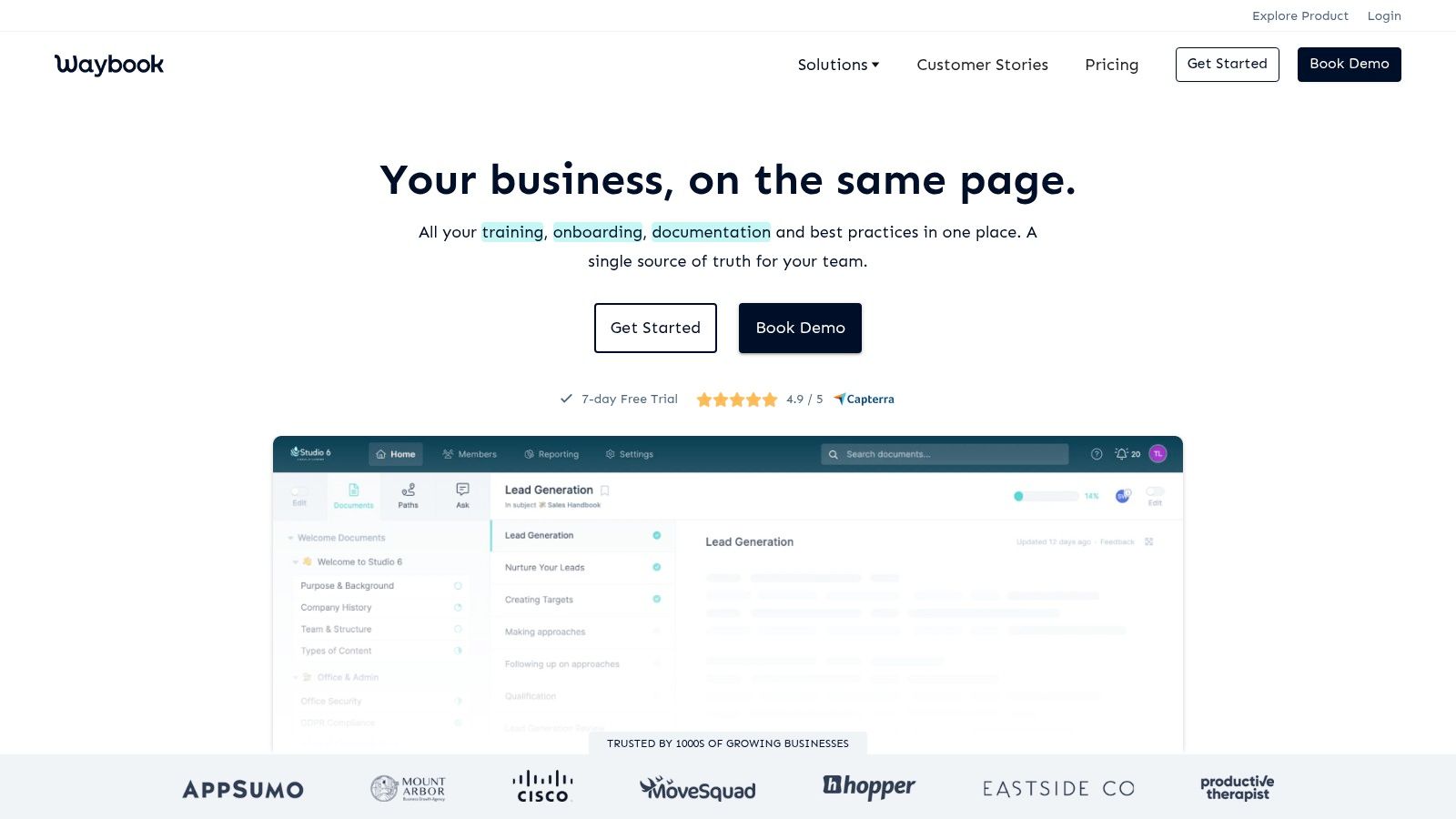
The platform helps organizations quickly roll out structured SOP libraries using pre-built templates and AI-assisted content creation. This makes it ideal for businesses formalizing their processes for the first time or scaling their onboarding programs. By centralizing everything from process guides to company handbooks, Waybook ensures that every team member has access to the most current information, which is critical for maintaining consistency and compliance as a company expands.
Key Features and Use Cases
Best For: SMBs creating a central business playbook, HR teams streamlining onboarding, and operations managers enforcing SOP compliance.
Knowledge & Accountability: Create documents and embed tests or assessments to ensure comprehension and track team-wide completion.
Structured Content: Organize information into subjects, documents, and steps, creating a clear and intuitive hierarchy for your knowledge base.
Templates & AI: Accelerate documentation with a library of templates and an AI assistant to help draft policies and procedures.
Integrations: Connects with popular tools like Slack, Microsoft Teams, and various HRIS platforms to embed documentation into existing workflows.
Pricing and Limitations
Pricing: Waybook offers several flat-rate plans designed for different team sizes, which can be more predictable than per-seat models. Specific pricing is often provided upon inquiry.
Limitations: While excellent for structured playbooks and training, its interface is less suited for highly collaborative, wiki-style knowledge creation compared to tools like Notion. Advanced features like SSO and detailed audit logs are typically reserved for higher-tier plans.
Website: https://www.waybook.com
8. Whale
Whale positions itself as an integrated SOP and training platform, bridging the gap between simply documenting a process and ensuring teams actually learn and apply it. It combines traditional documentation features like a step recorder and screen capture with a built-in learning management system (LMS) to create a single source of truth for both knowledge and skill development. This makes Whale a strong choice for growing teams that need their process documentation software to do double duty as an onboarding and continuous training tool.
The platform streamlines knowledge transfer by allowing users to create "Training Flows" that package SOPs, videos, and quizzes into structured learning paths. Its AI assistant, "Ask Alice," helps employees find answers within the knowledge base quickly, while AI-powered quiz generation automates the creation of comprehension checks. This dual focus on documentation and training makes it particularly effective for scaling standardized operations and reducing ramp-up time for new hires.
Key Features and Use Cases
Best For: SMBs and growing teams needing a unified platform for creating SOPs and managing employee training and onboarding.
Integrated Training: Build learning paths with quizzes, badges, and reporting to track team comprehension and compliance.
AI-Assisted Creation: Features an AI assistant for internal search and AI quiz generation to accelerate content creation.
Flexible Capture: Includes a step recorder, built-in screen recorder, and video-to-SOP conversion for versatile documentation.
Data Residency: Offers clear choices for US or EU data residency, a key consideration for companies with specific compliance needs.
Pricing and Limitations
Pricing: Whale offers several paid tiers with transparent add-on pricing for extra users. Enterprise plans unlock features like SSO, API access, and HRIS integration.
Limitations: The free trial is limited, and exporting documentation is not available on the free version. Additionally, while the included AI token quotas are a good starting point, teams with heavy AI usage may need to upgrade their plan for a higher allowance.
Website: https://usewhale.io
9. Notion
Notion serves as a highly flexible "all-in-one" workspace where teams can build comprehensive knowledge bases, wikis, and SOP libraries from scratch. Unlike specialized tools, its strength lies in its adaptability; you can structure information using a powerful combination of nested pages, databases, and various content blocks. This makes it an ideal piece of process documentation software for teams wanting a central source of truth that houses high-level policies, project plans, and detailed procedural guides in one interconnected system.
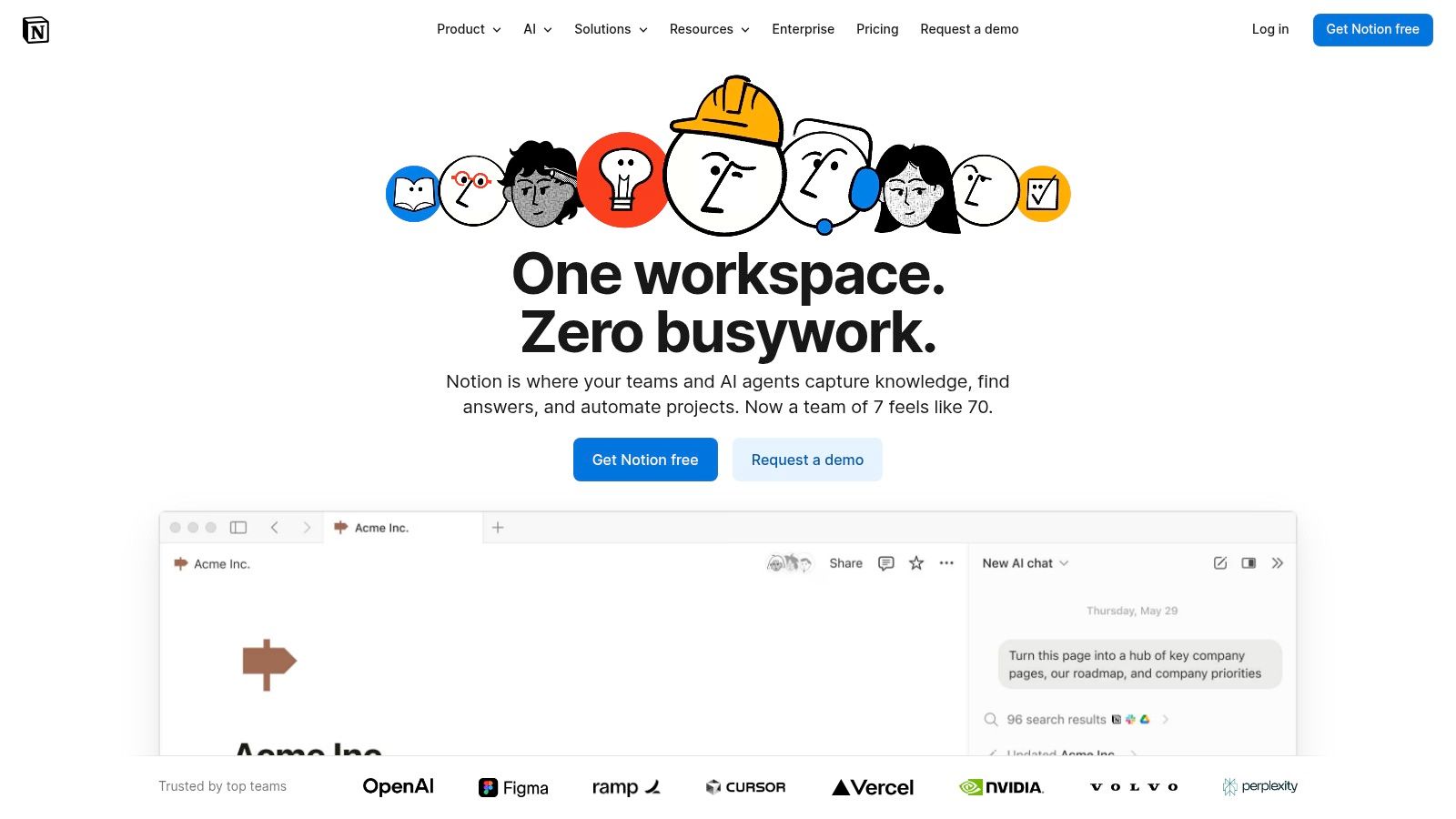
The platform excels at organizing complex information. Teams can create a central SOP database with properties like "owner," "last updated," and "department," then display that information in different views like a table, a Kanban board, or a calendar. While it doesn't automatically capture workflows, it integrates smoothly with tools that do, allowing you to embed step-by-step guides directly into your broader documentation framework. This modular approach provides both structure and flexibility for growing organizations.
Key Features and Use Cases
Best For: Creating a central, interconnected knowledge base that houses everything from high-level company policies to detailed SOPs and project roadmaps.
Flexible Databases: Build powerful databases with customizable views (table, board, list, calendar) to track and organize documentation effectively.
Rich Content Editing: Embed almost anything, from images and videos to code snippets and third-party app content, within a clean and intuitive editor.
Collaboration and Publishing: Features real-time collaboration, commenting, and the ability to publish pages to the web as public-facing help centers or guides.
Pricing and Limitations
Pricing: Notion offers a free plan for individuals. Team plans (Plus, Business, Enterprise) add collaborative features, advanced permissions, and administrative tools.
Limitations: Notion is not a dedicated process capture tool; creating visual, step-by-step guides requires manual work or integration with other software. Its open-ended nature can also lead to disorganization without strong governance and established templates.
Website: https://www.notion.so
10. Confluence (Atlassian)
Confluence is an enterprise-grade wiki that serves as a central source of truth for large organizations, making it a powerhouse for housing complex standard operating procedures (SOPs), policies, and project documentation. Its strength lies in its structured page-tree organization, which allows teams to build a deep, interconnected knowledge base. This makes it an ideal piece of process documentation software for engineering, product, and support organizations that need to link technical specifications, project plans, and customer-facing runbooks in one place.
The platform is built for scalability and enterprise governance. Its template system accelerates the creation of standardized documents, from project plans to meeting notes, ensuring consistency across departments. Integration is a core pillar of the Confluence experience; as part of the Atlassian ecosystem, it connects seamlessly with Jira and a vast library of Marketplace apps, allowing teams to embed dynamic project data, diagrams, and automations directly into their process documents.
Key Features and Use Cases
Best For: Large teams and enterprises needing a scalable, single source of truth for all forms of documentation, from high-level policies to detailed technical runbooks.
Structured Knowledge Base: Utilizes a hierarchical page tree, templates, and robust search to keep information organized and discoverable.
Enterprise Governance: Offers granular permissions, SSO, SCIM, audit logs, and uptime SLAs to meet strict security and compliance requirements.
Extensibility: Features a massive Marketplace with apps for whiteboarding, automation, diagramming, and more to extend core functionality.
Pricing and Limitations
Pricing: Confluence offers a Free plan for up to 10 users. Paid plans (Standard, Premium, Enterprise) are priced per user and unlock advanced features like analytics, unlimited storage, and enhanced security.
Limitations: The per-user pricing can become costly for very large teams, and heavy customization often requires purchasing and managing multiple Marketplace apps. Its powerful but complex interface may present a steeper learning curve compared to more specialized, single-purpose tools.
Website: https://www.atlassian.com/software/confluence
11. Guru
Guru functions as an intelligent knowledge management hub designed to deliver trusted process documentation directly within your existing workflows. Its core strength lies in its ability to surface verified information precisely when and where it's needed, preventing context switching and ensuring teams use the most up-to-date procedures. By integrating with tools like Slack, Teams, and Salesforce, it acts as a single source of truth that proactively pushes answers to your team.
The platform is built around "Cards," which are bite-sized pieces of knowledge that can be easily created, assigned to experts for verification, and updated on a set schedule. This verification workflow is a key differentiator, as it builds trust that the SOPs and guides are current and accurate. Guru's AI-powered search can understand natural language questions, making it an exceptional piece of process documentation software for fast-paced support and customer success teams who need immediate answers.
Key Features and Use Cases
Best For: Customer-facing teams (support, success, sales) that need instant access to verified product information, playbooks, and SOPs within their daily tools.
In-Workflow Knowledge: Browser extension and deep integrations deliver answers directly in apps like Zendesk, Salesforce, and Slack, reducing ticket escalations.
Verification Engine: Ensures all documentation remains up-to-date and trustworthy by assigning owners and prompting for regular reviews.
AI-Powered Search: Users can ask questions in natural language and receive instant, context-aware answers pulled from verified documentation.
Pricing and Limitations
Pricing: Guru offers several tiers, including a free starter plan. Paid plans unlock advanced AI features, analytics, and broader integrations, though the self-serve "Builder" plan has a 10-seat minimum.
Limitations: While excellent for delivering verified, bite-sized knowledge, Guru is less suited for creating long-form, linear, step-by-step instructional guides from scratch. It is most powerful when used to store and distribute processes created in other tools.
Website: https://www.getguru.com
12. G2
G2 is not a traditional software tool but a comprehensive marketplace for discovering, comparing, and selecting the right business solutions. For those seeking process documentation software, its dedicated category for Standard Operating Procedures (SOPs) is an invaluable research hub. The platform aggregates hundreds of tools, presenting them in a structured grid that allows users to filter options based on features, company size, user satisfaction scores, and pricing models, significantly streamlining the initial vendor shortlisting process.
The primary advantage of using G2 is access to a vast repository of verified, unbiased user reviews. Instead of relying solely on marketing copy, you can read real-world feedback from peers about their implementation experiences, pros, and cons. This makes it an essential first stop for understanding the market landscape and identifying tools that genuinely fit your organization's specific needs, whether for internal training or client-facing guides.
Key Features and Use Cases
Best For: Researching, comparing, and shortlisting process documentation tools before committing to trials or purchases.
Detailed Comparisons: Side-by-side feature comparisons, grids, and user satisfaction ratings help differentiate similar platforms.
Verified User Reviews: Gain insights from authentic user feedback on usability, support quality, and feature effectiveness.
Comprehensive Filtering: Narrow down a wide field of options by targeting specific features, pricing models, or company sizes.
Pricing and Limitations
Pricing: G2 is free to use for buyers. It serves as a directory and links out to vendor websites for pricing and purchase information.
Limitations: Information, especially on pricing, can sometimes be outdated; always verify details directly on the vendor's site. Sponsored placements can influence which tools are featured most prominently, so it's wise to use the filters to get a full, unbiased view of all available options.
Website: https://www.g2.com/categories/standard-operating-procedures
Top 12 Process Documentation Tools Comparison
Product | Core features | UX / Quality ★ | Value / Pricing 💰 | Target audience 👥 | Unique selling point ✨ |
|---|---|---|---|---|---|
🏆 Build a Guide | AI video→SOP, screenshots, rich-text editor, branded hubs, analytics, real-time co-edit | ★★★★☆ | 💰 Start Free; contact for plans | 👥 Agencies, CS, Ops, HR, Product | 🏆 AI-driven video-to-editable SOPs + multi-hub management |
Scribe | One-click web/desktop capture, auto steps/screenshots, exports, redaction, sharing | ★★★★ | 💰 Free trial; paid tiers with enterprise controls | 👥 Agencies, onboarding, support teams | ✨ Fast click-to-guide capture + mature PDF/MD export |
Tango | Auto web workflow capture, branded exports, analytics, in-app "Guide Me" overlays | ★★★★ | 💰 Free plan (limits); Pro/Enterprise for overlays | 👥 Product teams, digital adoption, enterprises | ✨ In-app guided overlays for web apps |
Trainual | SOPs + training paths, tests, e-signatures, SCORM, org/HR integrations | ★★★★ | 💰 Sales-led pricing; implementation fee | 👥 SMBs scaling onboarding & compliance | ✨ Combined SOPs + structured training & accountability |
Process Street | Workflows + Pages (wiki), conditional logic, approvals, automations, enterprise controls | ★★★★☆ | 💰 Contact sales; available via AWS Marketplace | 👥 Ops, compliance, large teams | ✨ Execution + documentation with enterprise governance |
SweetProcess | SOPs, policies, process maps, task tracking, version history | ★★★★ | 💰 Transparent flat base price (includes ~20 active members) | 👥 Small–mid teams wanting predictability | ✨ Predictable pricing; most features in base tier |
Waybook | Unlimited docs, tests/assessments, completion tracking, templates, SSO (Pro+) | ★★★★ | 💰 Flat-rate plans (some gating on details) | 👥 SMBs building a business playbook | ✨ Quick rollout of structured SOP library with testing |
Whale | Step & screen recorder, video→SOP, training flows, AI quizzes, 'Ask Alice' assistant | ★★★★ | 💰 Transparent add-on pricing; limited free trial | 👥 SMBs balancing documentation + training | ✨ AI quiz generation + internal AI assistant |
Notion | Pages & databases, templates, publishing, integrations, Notion AI (tiers) | ★★★★☆ | 💰 Competitive team pricing; tiered features | 👥 Teams needing flexible KBs & templates | ✨ Highly adaptable workspace for custom SOPs |
Confluence (Atlassian) | Enterprise wiki, templates, analytics, Marketplace apps, SSO/SCIM, Data Center | ★★★☆ | 💰 Per-user pricing; scalable enterprise plans | 👥 Large enterprises, product & support orgs | ✨ Scales to very large orgs with robust governance |
Guru | Verified knowledge cards, AI search/chat, browser extension, Slack/CRM integrations | ★★★★ | 💰 Seat minimums; AI credit limits on plans | 👥 Support, CS, product teams needing in-workflow answers | ✨ Delivers verified answers where teams work |
G2 | Marketplace, SOP category, buyer guides, verified user reviews, vendor links | ★★★★ | 💰 Free to browse; vendor pricing links provided | 👥 Buyers shortlisting SOP tools | ✨ Verified reviews & comparison/shortlisting tools |
Choosing Your System of Record: Final Recommendations
Navigating the landscape of process documentation software can feel overwhelming. We've explored a dozen powerful platforms, from automated, click-by-click guide creators like Scribe and Tango to comprehensive training and compliance systems like Trainual and Process Street. We've also examined the flexibility of knowledge bases like Notion and Confluence. The sheer variety underscores a critical truth: there is no single "best" tool, only the best tool for your specific team, your unique workflows, and your most pressing operational goals.
Your final decision hinges not on a feature checklist, but on a clear understanding of your primary use case. The ideal software for an agency creating client-facing SOPs is vastly different from what an internal HR department needs for onboarding. The right choice is the one that removes friction, encourages adoption, and transforms documentation from a dreaded chore into a strategic asset.
Key Takeaways and Decision Framework
As you move from evaluation to implementation, keep these core principles at the forefront. Reflect on the detailed comparisons in this article and use this framework to narrow your shortlist down to two or three top contenders for a trial period.
For Speed and Simplicity: If your primary goal is to capture workflows as quickly as possible with minimal manual effort, the browser-extension-based tools are your best bet. Platforms like Scribe, Tango, and Build a Guide excel at turning screen recordings into step-by-step guides in minutes, making them ideal for busy teams that need to document many digital processes.
For Training and Accountability: When documentation needs to be tied directly to employee training, onboarding, and compliance, look toward platforms built for that purpose. Tools like Trainual, SweetProcess, and Waybook offer features such as quizzes, completion tracking, and role-based assignments that ensure your team not only reads the material but also understands and retains it.
For Complex, Repeatable Workflows: For operational teams that rely on structured, multi-step processes with conditional logic and approvals, a dedicated workflow management tool like Process Street is unparalleled. It goes beyond static documentation to create interactive, enforceable checklists that guarantee consistency and reduce human error.
For a Centralized Knowledge Hub: If your objective is to build a comprehensive, interconnected "single source of truth" for your entire organization, a knowledge management system is the answer. Notion and Confluence provide the ultimate flexibility to create a company wiki that houses everything from process documents to project plans and company policies.
Your Action Plan for Selecting the Right Software
Before committing to a long-term subscription, it's crucial to validate your choice with a real-world test. A tool might look perfect on paper, but its true value is only revealed when your team uses it for its intended purpose.
Define Your Pilot Project: Choose one critical, frequently used process that is currently poorly documented or not documented at all. This could be anything from "How to onboard a new client in our CRM" to "How to process a customer refund."
Start Your Free Trials: Sign up for free trials or freemium plans for your top 2-3 shortlisted tools. Don't try to test everything at once; focus on your top contenders to avoid decision fatigue.
Create the Same Document in Each Tool: Use your pilot project process to build the same guide in each platform. This direct, hands-on comparison is the most effective way to evaluate the user experience, feature set, and final output of each piece of process documentation software.
Gather Team Feedback: Share the resulting guides with a few team members who will actually use them. Ask for their honest feedback. Which one was easiest to follow? Which format did they prefer? User adoption is the ultimate metric for success.
Ultimately, the best process documentation software is the one that gets used. It's the platform that empowers your team to capture, share, and refine their collective knowledge, creating a scalable foundation for growth, consistency, and operational excellence. Choosing a tool is the first step; building a culture of documentation is the journey that follows.
Ready to see how fast documentation can be? If your team needs to create polished, professional, and easy-to-follow guides without the manual effort, Build a Guide offers a powerful AI-driven solution. Turn any screen recording into a beautiful, shareable guide in seconds and see why it's a top choice for modern process documentation software. Start your free trial at Build a Guide and experience the future of workflow capture.